23/05/2019Roundshot VR Drive Instruction Manual – Firmware Version 2.023 21
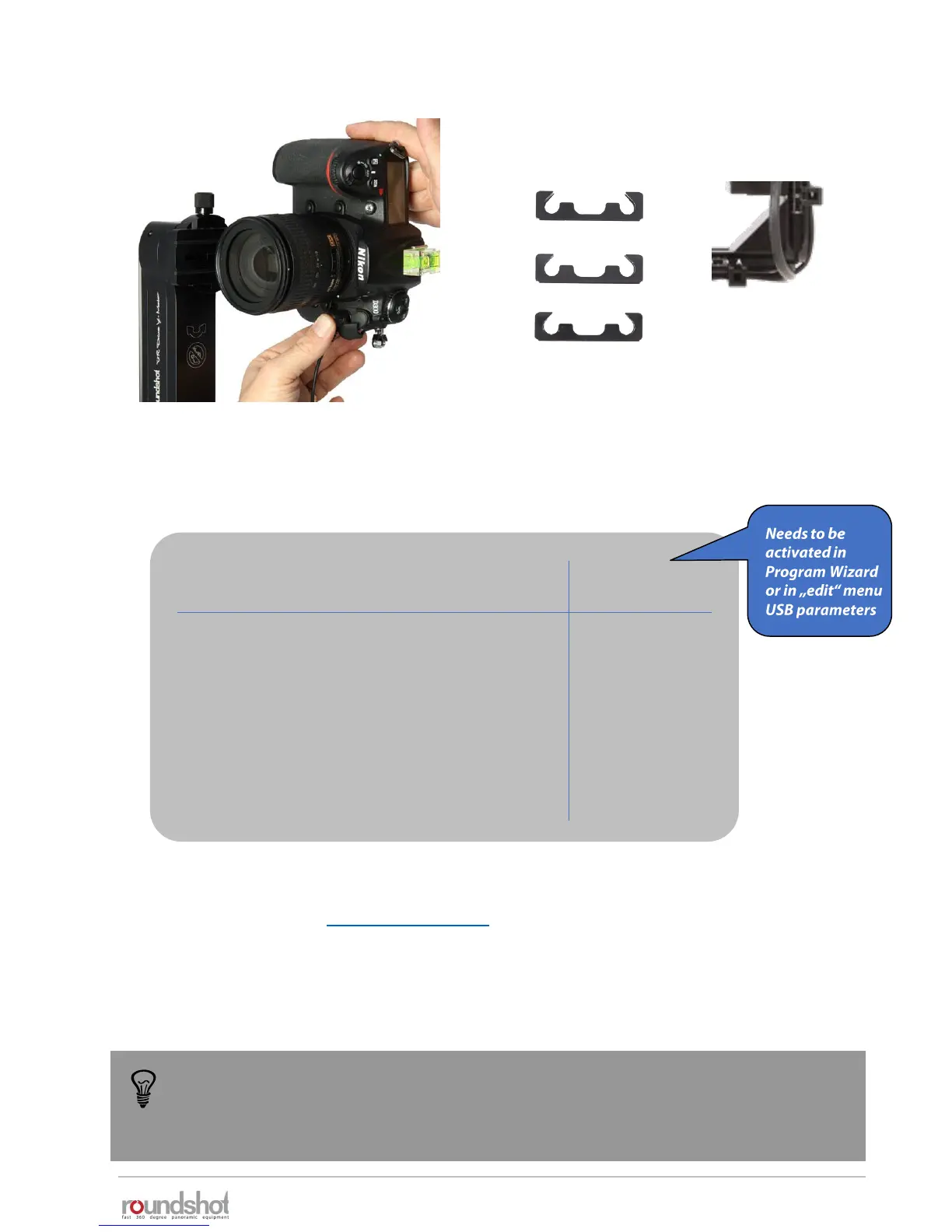
Connect the other end of the cable into
the camera . Push it tightly into the socket.
2.1.1 Roundshot VR Drive “full” (continued)
To use the USB cable for image release, this USB feature needs to be activated in the
Program Wizard or in the program edit menu (USB parameters – USB cable
connected: on – release with USB cable: on).
If not, the images will be released via the electronic release cable.
When to use which cable?
electronic
release cable
USB
cable
• Quality mode
• Speed mode
• Turntable mode
• Timelapse mode
• Video mode
• HDR mode
The USB cable can only be used with USB-compatible cameras. For a list of compatible models
please check our website: www.roundshot.com.
It is also possible to use the USB cable for advanced USB features only and release the
images with the electronic release cable. This set-up is recommended for example when
using mirror prerelease in HDR mode.
-
-
Attach the cable clips on the VR bracket
to fasten all cables.



 To Next Page