23/05/2019Roundshot VR Drive Instruction Manual – Firmware Version 2.023 31
2.1.5 Radio control unit (continued)
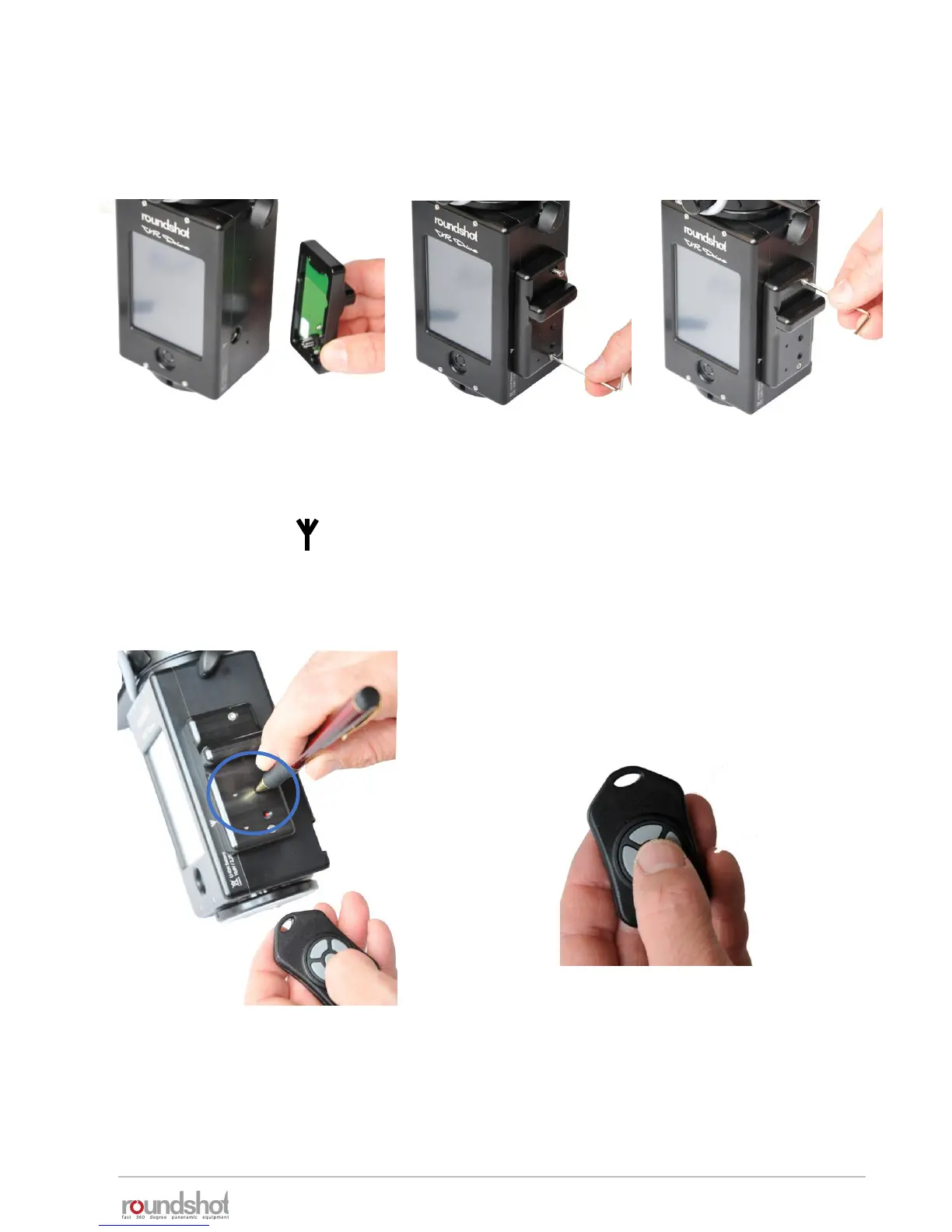
Attach the radio receiver in the following way:
Insert the radio receiver
pins into the plug
marked with the
antenna symbol:
Insert the lower screw
and attach it with the
allen key.
Insert the upper screw
and attach it with the
allen key.
Now press a sharp item (for example a
pen) into the sync contact in the
middle of the radio receiver.
Then press the “OK” button of the radio
sender. This will synchronise the radio
signal between sender and receiver.



 To Next Page