23/05/2019Roundshot VR Drive Instruction Manual – Firmware Version 2.023 57
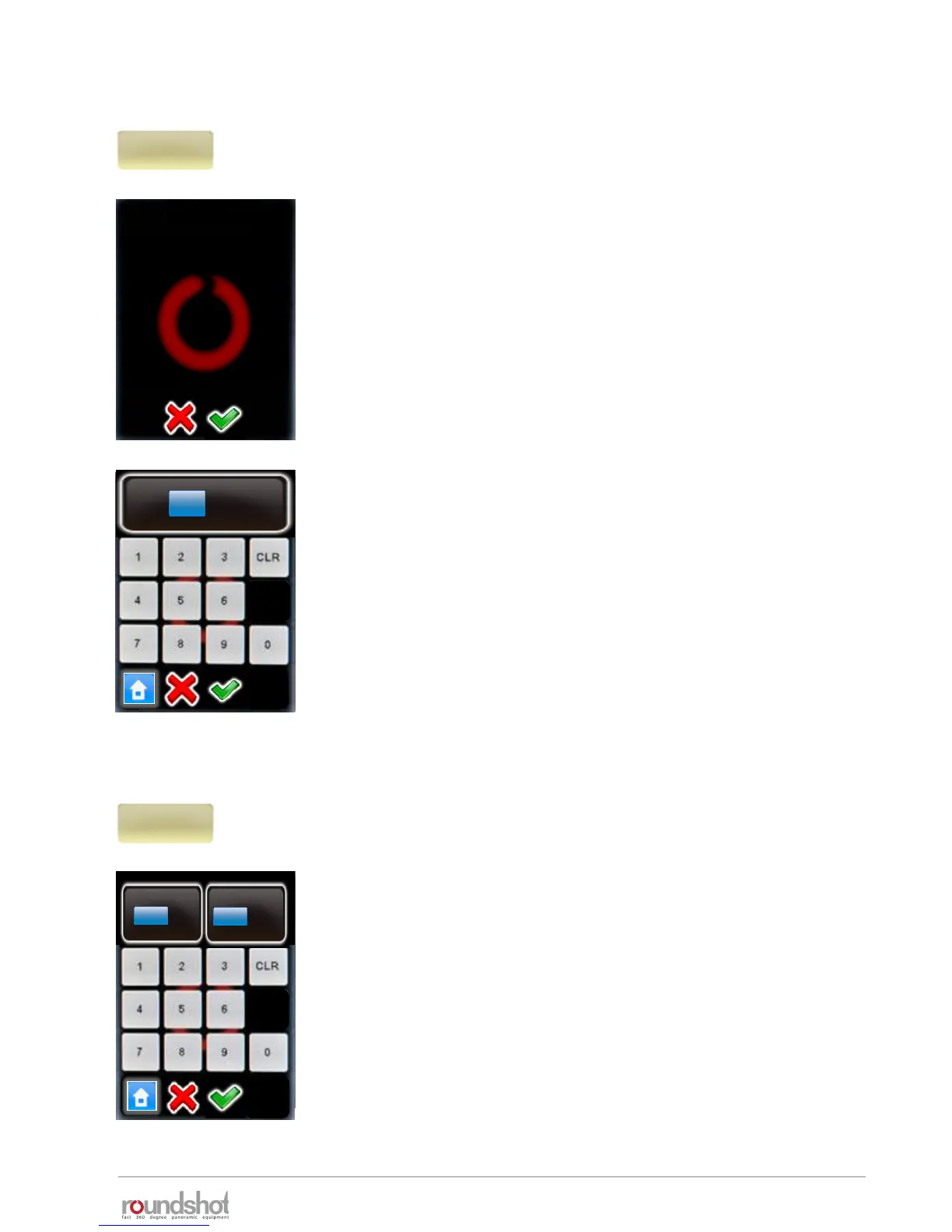
Click on “focal length” to change the focal length of the lens
used for the program.
Changing the focal length will lead to an automatic recalculation
of rows (elevation/images) in angle modes “cylindrical”,
“spherical” or “visual”. In angle mode “manual” the change of
camera has no consequences. Here the rows must be edited
manually.
Continue with “OK” or cancel with “X”.
Enter the focal length of the camera lens.
This value must correspond with the exact setting on the lens.
It is used – together with the camera sensor size and the vertical
field of view – to automatically calculate the number of rows and
images.
Confirm with “OK” or cancel with “X”.
In angle mode “cylindrical” and “spherical” the existing rows will
be overwritten. In angle mode “manual” the change of camera
has no consequences. Here the rows must be edited manually.
Click on “A/B value” to change the rotation and nodal point
values for the program.
Please make sure that these values are correct. When setting the
camera at wrong rotation or nodal points the stitching of images
will not work.
Confirm with “OK” or cancel with “X”.
focal length
24mm
focal length
By changing this value you
will overwrite the rows.
Continue anyway?
focal length
[0..999]
24
mm
A/B value
0/0mm
A
mm
[1..999]
B
mm
[1..999]
0
0
4.1 Editing in quality, speed and turntable modes (continued)



 To Next Page