23/05/2019Roundshot VR Drive Instruction Manual – Firmware Version 2.023 58
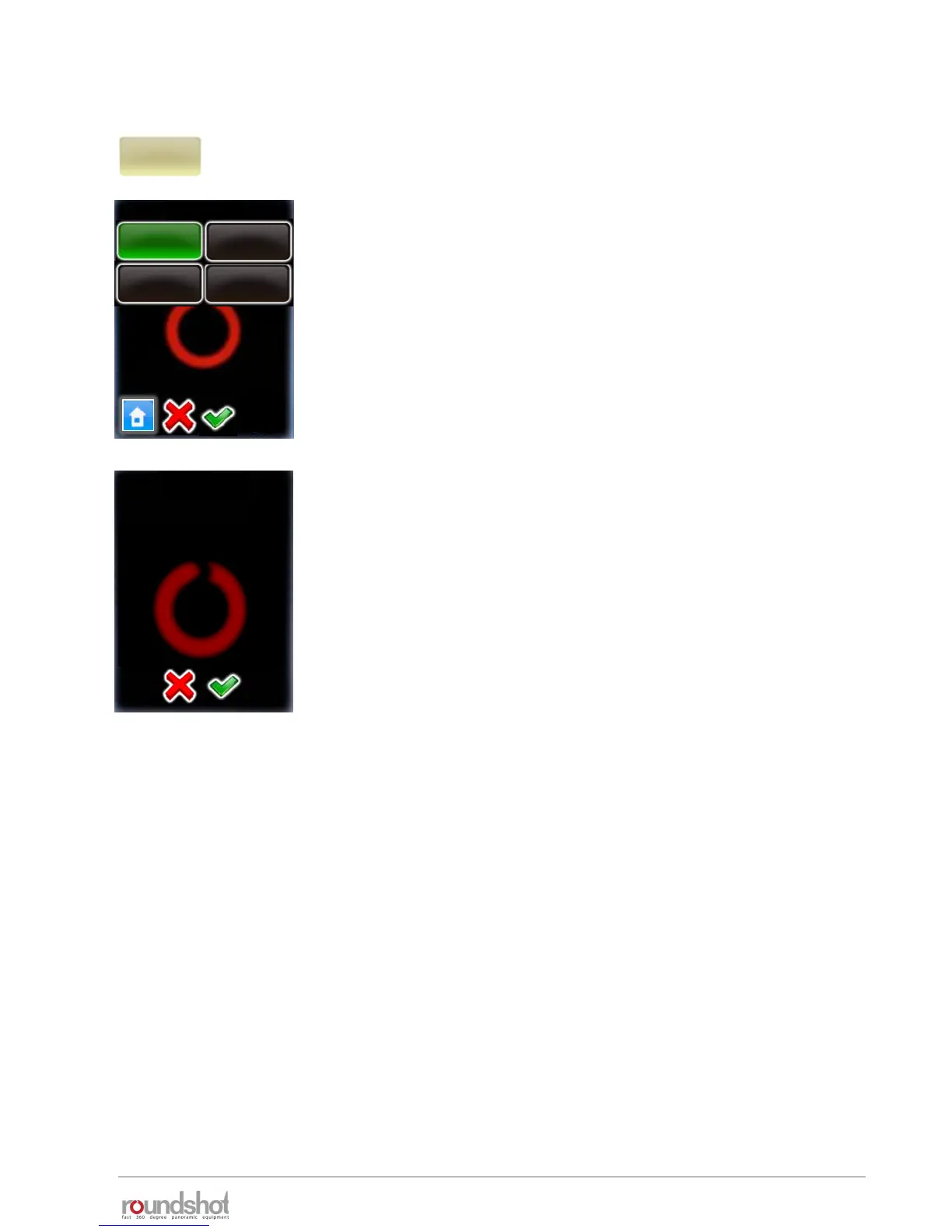
Click on “angle mode” to change the way the rows (elevation,
number of images) are calculated.
The options are:
• cylindrical
• spherical
• Manual
• Visual
Changing the angle mode will lead to an automatic recalculation of
rows (elevation/images) for the program.
Choose the new “angle mode” by clicking on the button.
The following angle mode modifications are possible:
• from cylindrical to spherical (computes a sphere)
• from spherical to cylindrical (computes one row with vertical FOV
of chosen lens)
• from cylindrical to manual (requires manual programming of
rows)
• from spherical to manual (requires manual programming of rows)
The transition from manual or visual to cylindrical or spherical is
not possible.
Continue with “OK” or cancel with “X”.
In angle mode “cylindrical” and “spherical” the existing rows will be
overwritten. In angle mode “manual” the change of camera has no
consequences. Here the rows must be edited manually.
angle mode
cylindrical
angle mode
spherical
visual
manual
cylindrical
change angle
By changing this value
you will overwrite the
rows. Continue anyway?
4.1 Editing in quality, speed and turntable modes (continued)



 To Next Page