23/05/2019Roundshot VR Drive Instruction Manual – Firmware Version 2.023 59
Click on “X” or “Y” to change the horizontal or vertical angle for the
program.
Changing the angle will lead to an automatic recalculation of rows
(elevation/images) or number of images per row for the program.
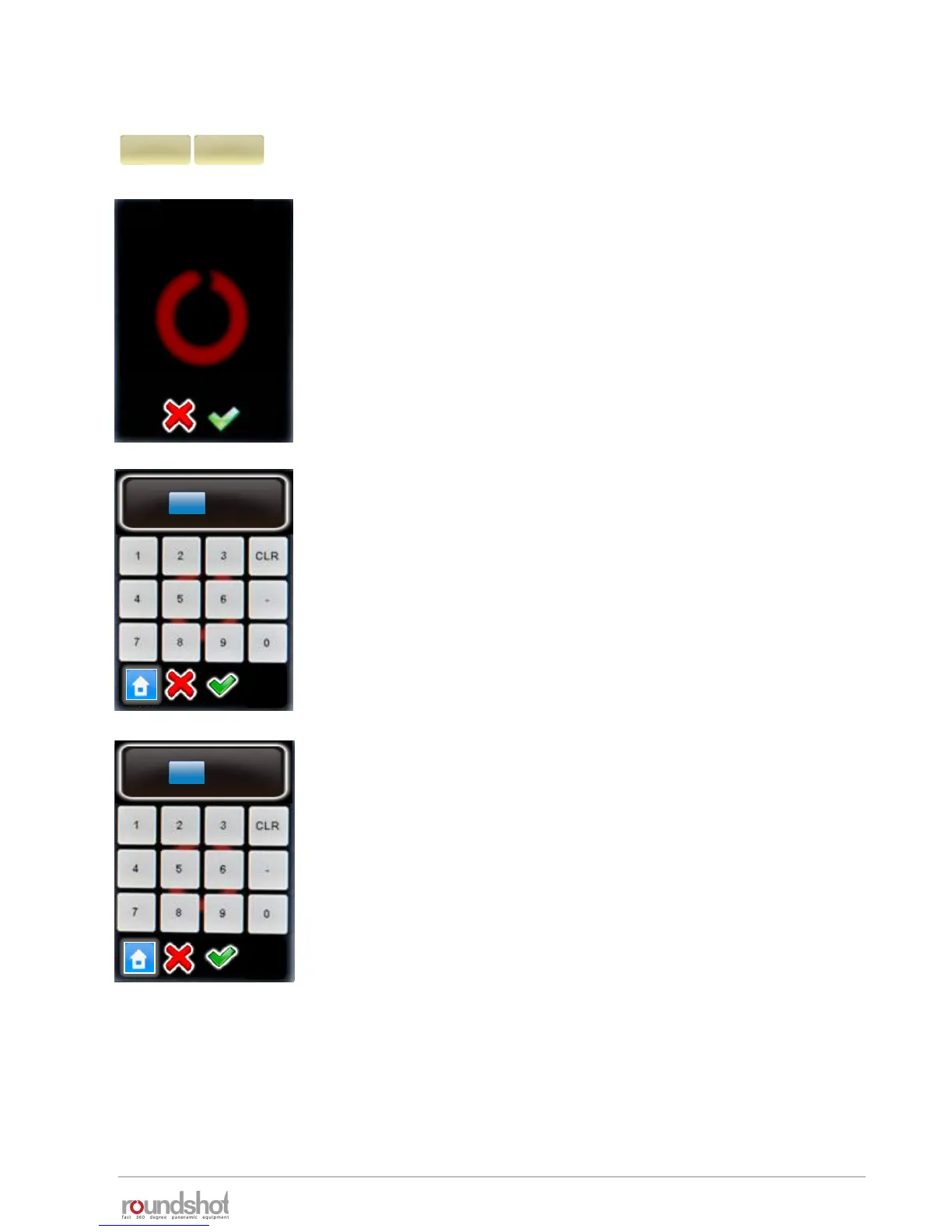
Continue with “OK” or cancel with “X”.
Enter the “X” angle (horizontal angle).
Confirm with “OK” or cancel with “X”.
The number of images per row will now be automatically
recalculated.
Enter the “Y” angle (vertical angle).
Confirm with “OK” or cancel with “X”.
The rows (elevation, number of images) will now be automatically
recalculated.
X
360°
Y
73°
change angle
By changing this value
you will overwrite the
rows. Continue anyway?
X
°
360
[1.0..999.9]
Y
°
73
[1.0..180.0]
4.1 Editing in quality, speed and turntable modes (continued)



 To Next Page