23/05/2019Roundshot VR Drive Instruction Manual – Firmware Version 2.023 64
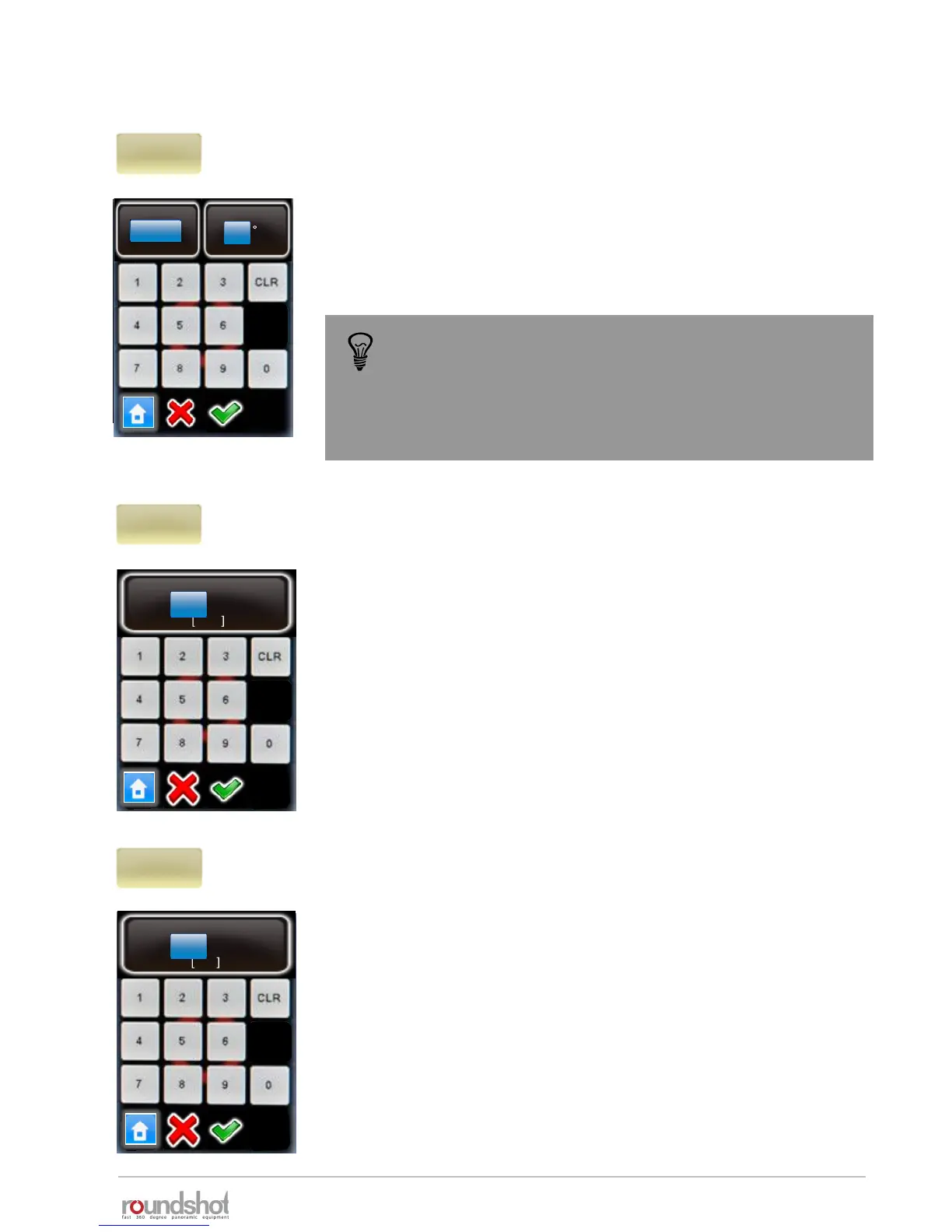
Click on “repeat” to program a repetition of the program.
Enter the number of repetitions.
Enter the Offset angle. This will move the starting point of the next
repetition in the horizontal direction (X-motor)
Confirm with “OK” or cancel with “X”.
Click on “timer” to program a time delay before the program is
launched.
Enter the time delay. This delay is inserted at the beginning of a
program (sequence).
Confirm with “OK” or cancel with “X”.
Click on “acceleration” to define the speed adaptation when the
VR Drive starts and stops.
The acceleration value is computed when setting up the program in
the Program Wizard and depends on the focal length:
• <20mm: 100%
• 20mm to 50mm: 50%
• >50mm: 20%
The acceleration values range from 1% (slow speed adaptation) to
100% (fast speed adaptation).
For programs with heavy cameras and bulky lenses (for example:
gigapixel projects) lower the acceleration to avoid vibrations.
Confirm with “OK” or cancel with “X”.
timer
0..9999
0 s
acceleration
1..100
100
%
repeat
0
0°
timer
0s
acceleration
100%
When repeat is set to 2, the program will be done 3 times
in total (the original program + 2 repetitions)
If the target is to have overall 2 times the program please
set the repeat value to 1.
4.1 Editing in quality, speed and turntable modes (continued)
repeat
0
0
[0..9999]
[-180..180]
offset



 To Next Page