23/05/2019Roundshot VR Drive Instruction Manual – Firmware Version 2.023 75
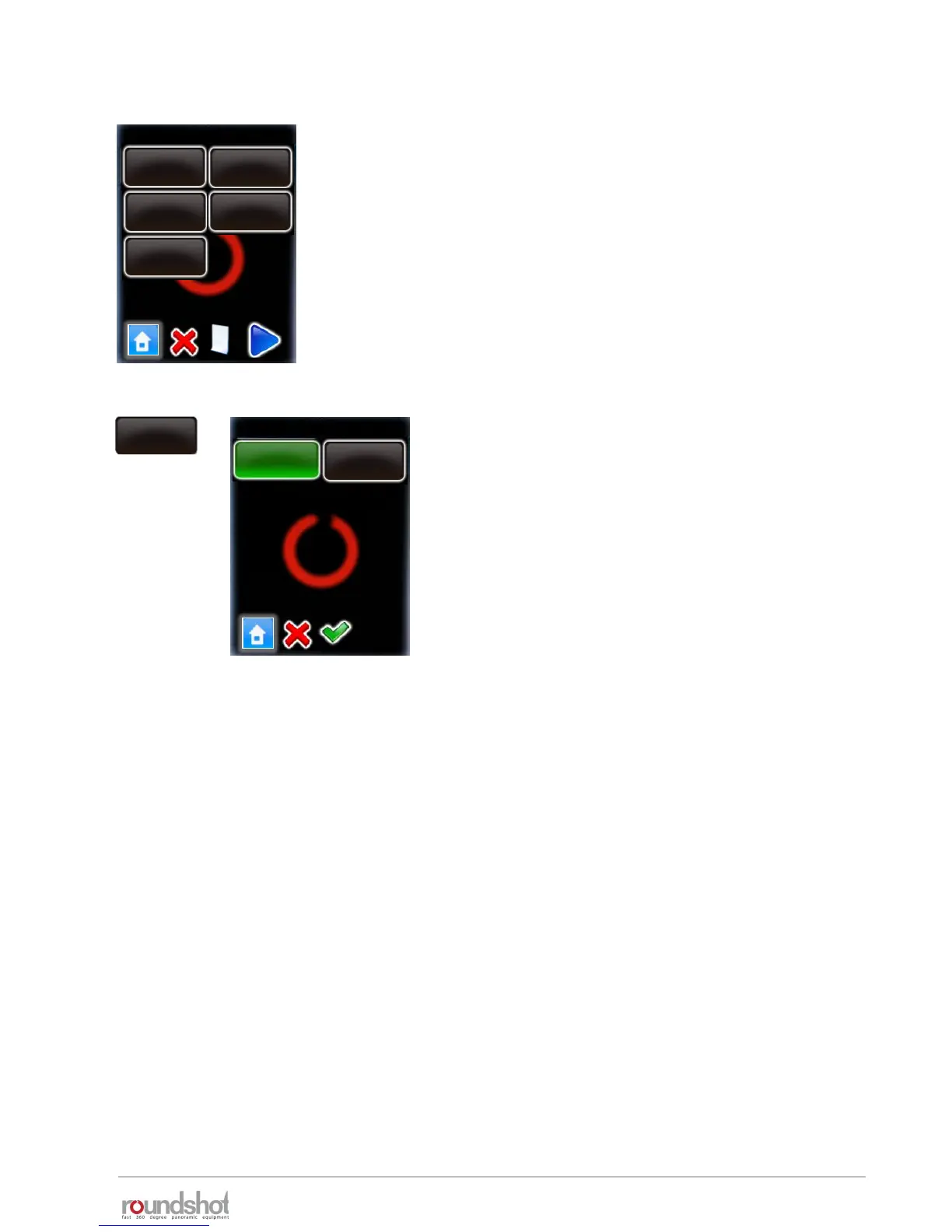
Click on “aperture compensation”.
Setting this option to “off” will keep the f-stop for
all images identical.
With aperture compensation set to “on”, the VR
Drive will compensate with f-stops in case an
exposure limit is reached (exposure slower than,
for example, 30s, or faster than 1/8000s).
Confirm with “OK”.
aperture
compensation
on
number of pictures
aperture compensation
on
off
4.3 Editing in HDR mode (continued)
75
HDR steps / page 1
exp.: 1s
aperture: f5.6
ISO/ASA: 100
exp.: 1/4s
aperture: f8
ISO/ASA:100
exp.: 1/250s
aperture: f8
ISO/ASA: 100
exp.: 1/30s
aperture: f8
ISO/ASA: 100
exp.: 1/2000s
aperture: f8
ISO/ASA: 100
The VR Drive re-computes the HDR stages and
displays a new HDR table.
In this example, the first HDR stage is now set to
exposure=1s and aperture f=5.6
Confirm with “next”.



 To Next Page