23/05/2019Roundshot VR Drive Instruction Manual – Firmware Version 2.023 74
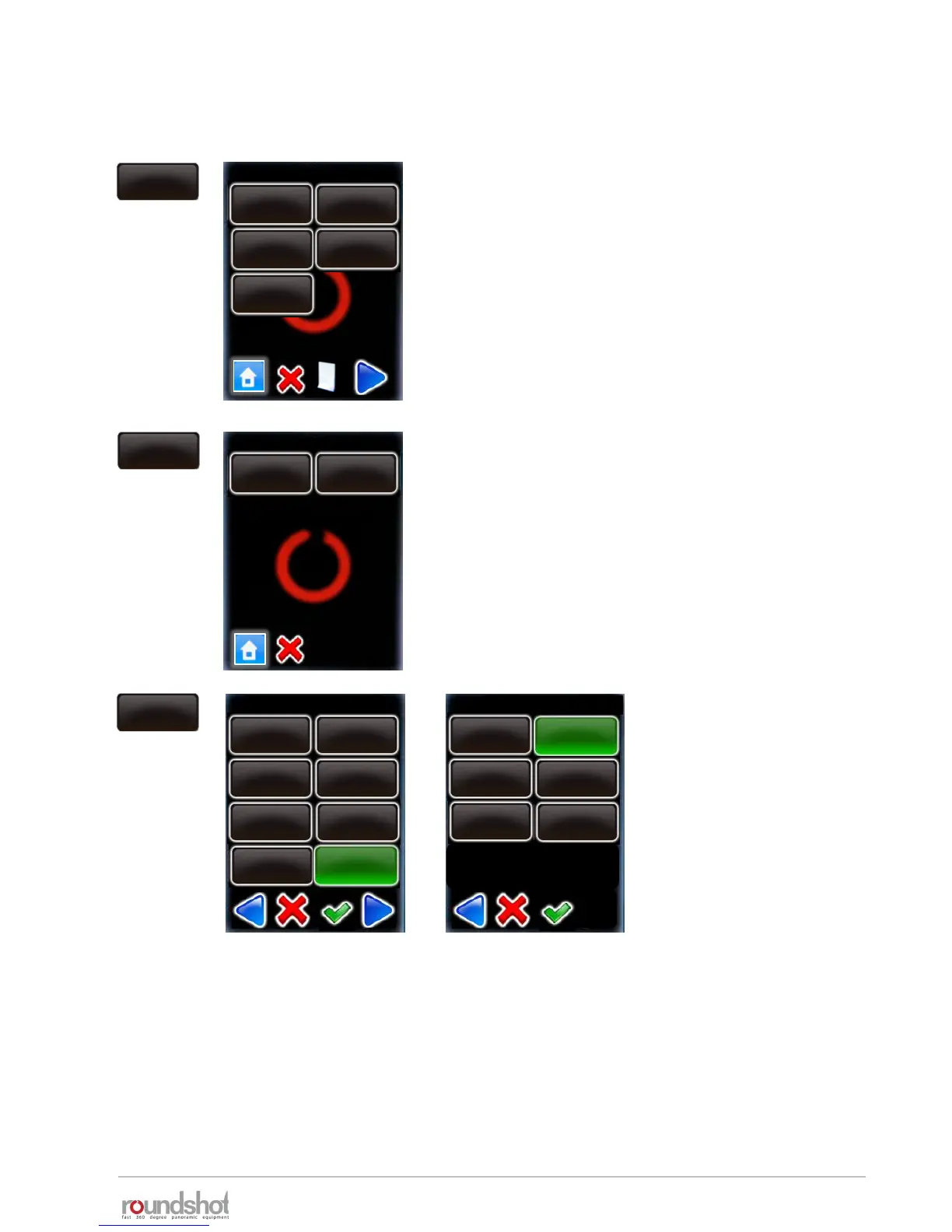
Click on “HDR steps”.
The table displays the exposure speed, aperture
(f-stop) and ISO/ASA for every image released in
the bracketing sequence.
Access any HDR step by clicking on it.
HDR steps
Delete any HDR step by pressing “delete”.
Edit any HDR step by selecting “edit”.
HDR steps / page 1
exp.: 2s
aperture: f8
ISO/ASA: 100
exp.: 1/4s
aperture: f8
ISO/ASA:100
exp.: 1/250s
aperture: f8
ISO/ASA: 100
exp.: 1/30s
aperture: f8
ISO/ASA: 100
exp.: 1/2000s
aperture: f8
ISO/ASA: 100
P9
edit
delete
exp.: 2s
aperture: f8
ISO/ASA: 100
Ø exposure speed / page 2
5s
4s
2.5s
1.6s
2s
3.2s
1.3s
1s
Select a new exposure speed
in the list of possible values.
Confirm with “OK”.
Select a new aperture (f-
stop) in the list.
Confirm with “OK”.
aperture / page 1
f 4
f 5.6
f 11
f 16
f 22
f 8
edit
4.3 Editing in HDR mode (continued)



 To Next Page