23/05/2019Roundshot VR Drive Instruction Manual – Firmware Version 2.023 73
4.3 Editing in HDR mode (continued)
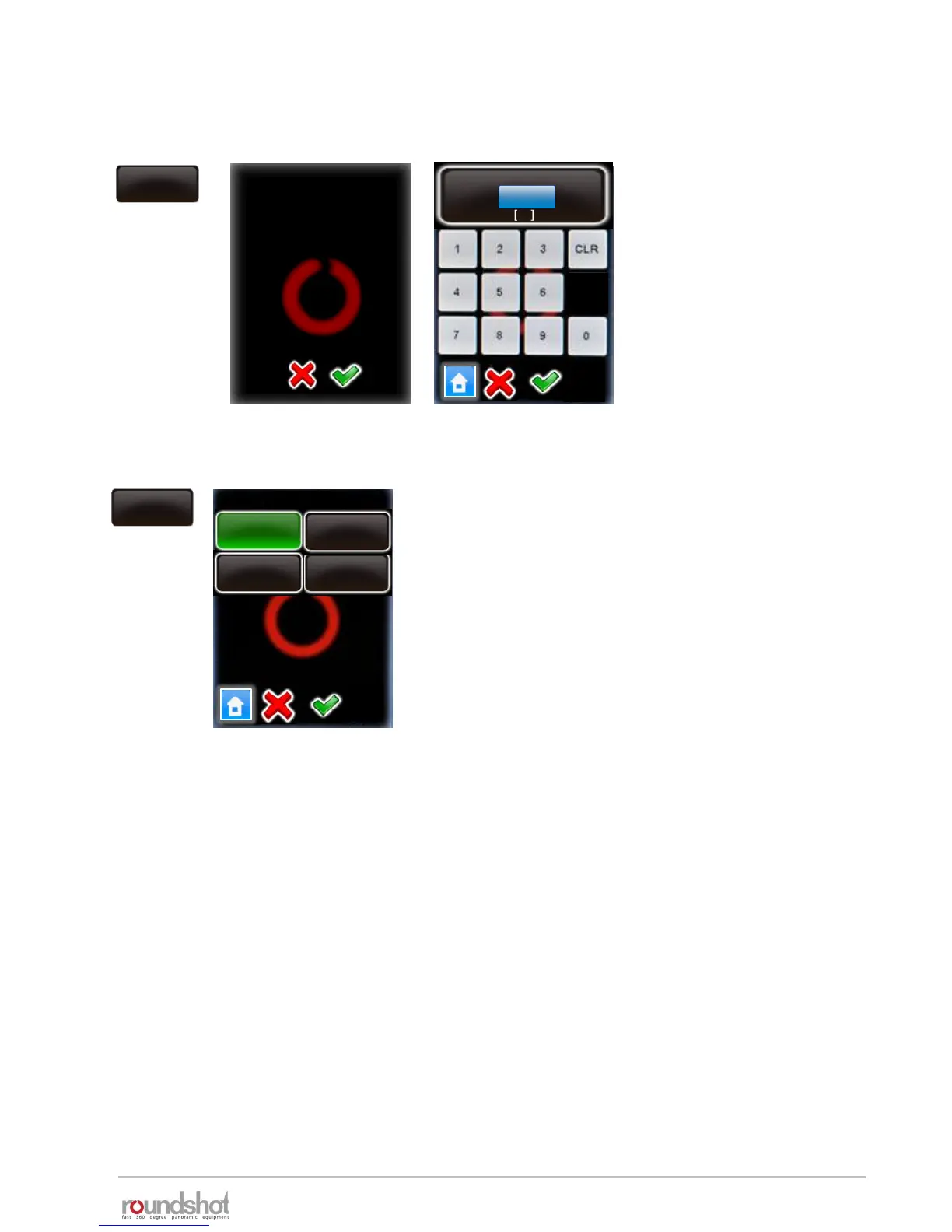
Click on “aperture steps”.
Enter the aperture steps
between images.
This corresponds to the
difference in f-stops from one
bracketing step to the next.
For example, with 3 aperture
steps there will be a 3 f-stop
difference for every image.
Confirm with “OK”.
By changing this value
you will overwrite the
HDR steps. Continue
anyway?
aperture steps
aperture steps
1..5
3
aperture
steps
sequence
slow - fast
middle – slow -
fast
middle – fast -
slow
fast - slow
sequence
Click on “sequence”.
The sequence function defines in which order the
images are released.
For example, “middle-fast-slow” will first release the
image with average exposure, then the fastest, 2
nd
fastest, etc., then the slowest, 2
nd
slowest etc.
Confirm with “OK”.



 To Next Page