23/05/2019Roundshot VR Drive Instruction Manual – Firmware Version 2.023 82
4.6.1 Settings/general (continued)
Click on “has y motor” to activate / deactivate the y-motor.
For VR Drive “full” select “yes”.
For VR Drive “semi” select “no”.
Click on “software” to display information on the software
This function consists of
• key
• version
• IP
software
key
version
ip
software
has y motor
yes
has y motor
no
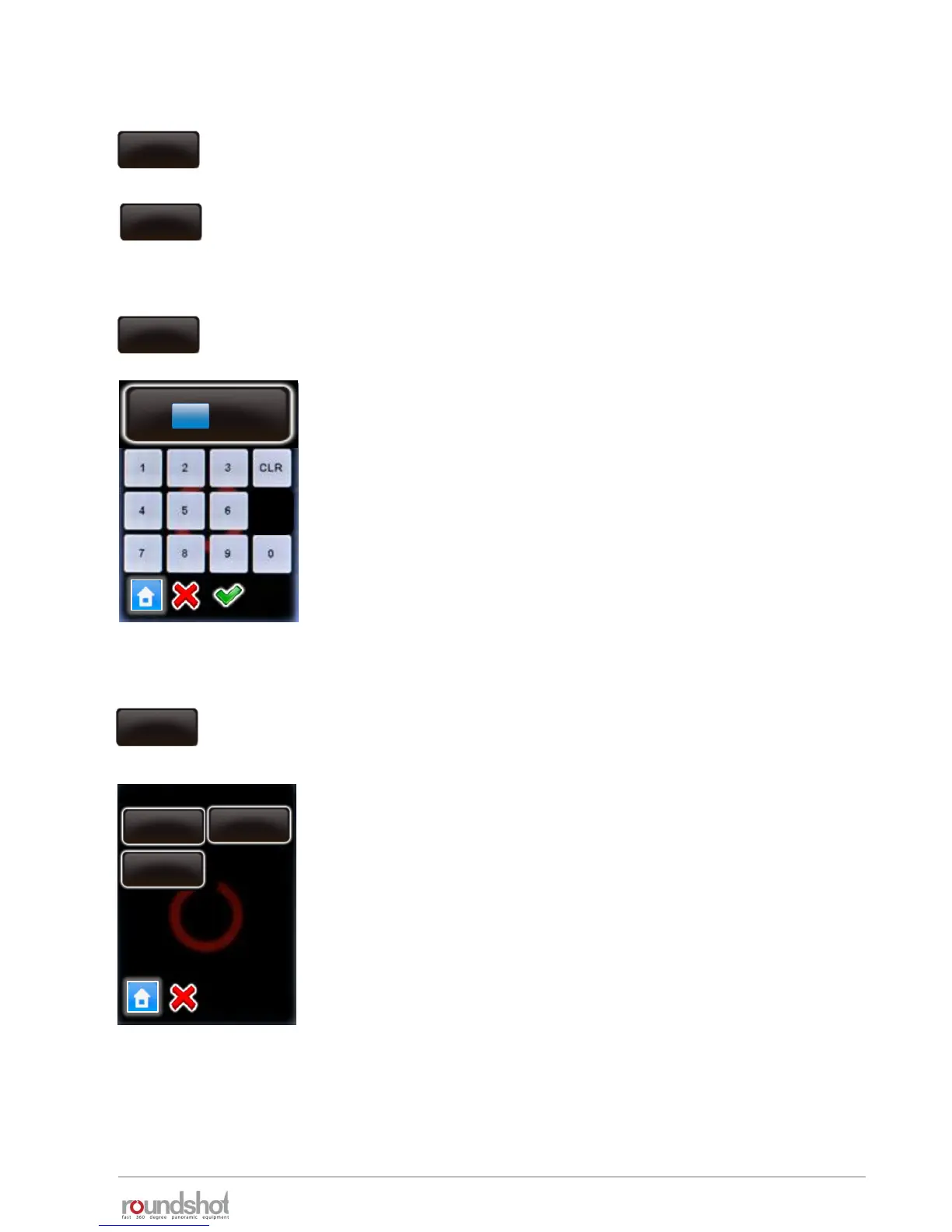
Click on „reduce screen brightness“ to change time of non activity
before the VR Drive reduces the screen brightness.
Enter the delay (in s).
If setting this value to 0s the VR Drive will never reduce the screen
brightness. This might be useful outdoors, but will use more
battery.
The standard value is: 30s
Confirm with “OK” or cancel with “X”.
Beschleunigung
50
acceleration
reduce screen
brightess
30s
Beschleunigung
reduce screen brightness
[0..60]
30 s



 To Next Page