23/05/2019Roundshot VR Drive Instruction Manual – Firmware Version 2.023 83
4.6.1 Settings/general (continued)
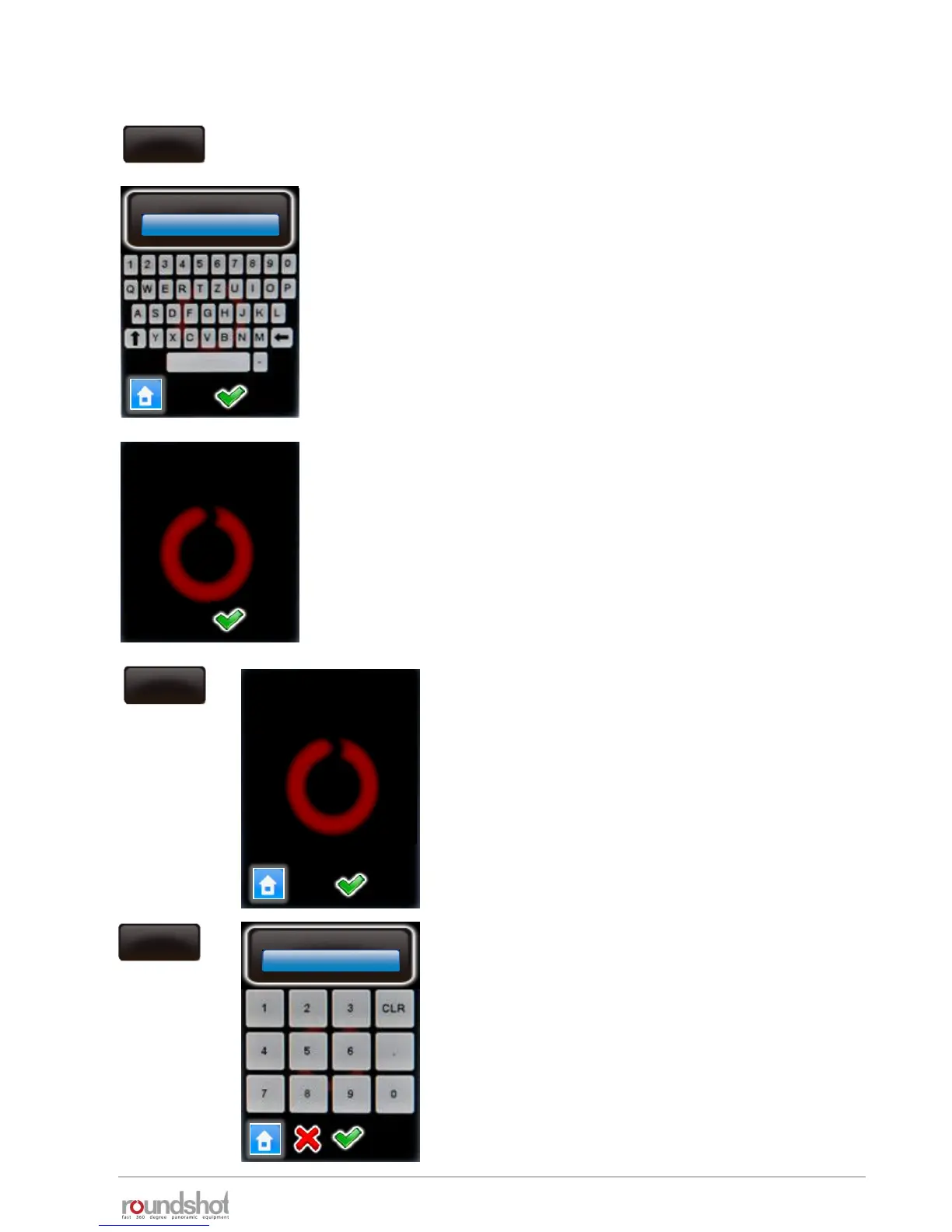
Click on “key” to display the software key.
The software key is used to activate the VR Drive modes (“quality”,
“speed”, “turntable”, “video”, “timelapse”, “HDR”).
This key is specific to the VR Drive hardware ID.
It will be delivered with your VR Drive or when upgrading to a new
software mode.
If you received a new key after upgrading, enter it here.
Confirm with “OK”.
After entering a valid key, the software displays the available
software modes.
When entering an invalid key, the last valid key will be loaded.
Confirm with “OK”.
key
key
A983BB9CD73A98CD
key
The software key is
valid. The following
modes are now
available:
quality
speed
turntable
video
version
version
IP
Firmware : V2.023
(21.12.2018)
Bootloader : V1.02
ip
192.168.1.15



 To Next Page