23/05/2019Roundshot VR Drive Instruction Manual – Firmware Version 2.023 84
4.6.1 Settings/general (continued)
Click on “hardware ID” to display the unique hardware
identification number of your VR Drive.
This ID is at the same time the serial number and is stored in the
“Club VR Drive” database.
Together with the software key this hardware ID activates the VR
Drive software mode.
The hardware ID cannot be modified.
Confirm with “OK”.
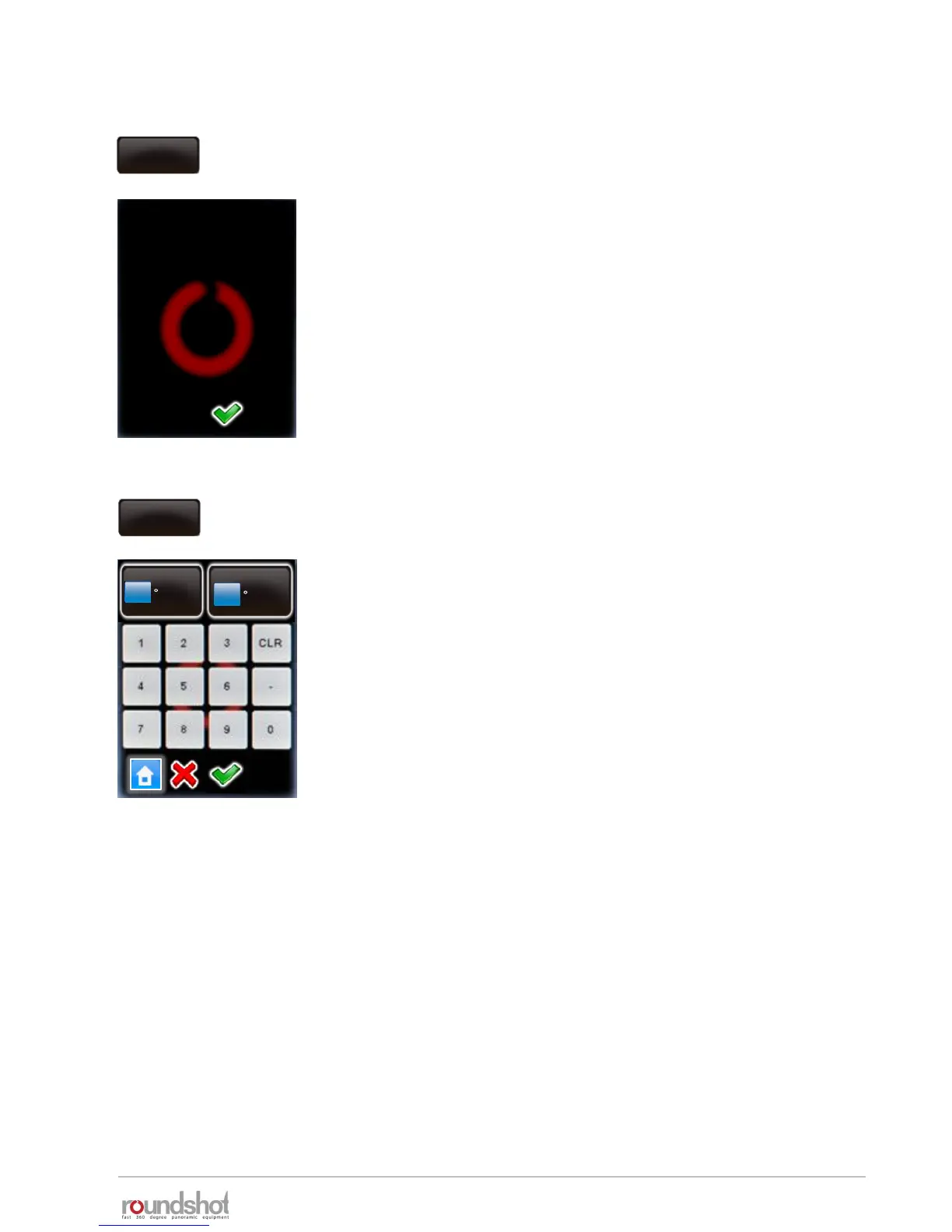
Click on “off in park position” to set the preferences for the VR
Drive parking position.
Enter the desired parking position horizontally (“X”) and vertically
(“Y”).
For example, to tilt the camera 90° down (for transport), enter:
• X: 0° (or any value)
• Y: 90°
Confirm with “OK” or cancel with “X”.
hardware id
BC7893A8FF03FA7
hardware id
off in
parkposition
X
0
Y
90
[-999.9..999.9]
[-90.0..90.0]



 To Next Page