23/05/2019Roundshot VR Drive Instruction Manual – Firmware Version 2.023 85
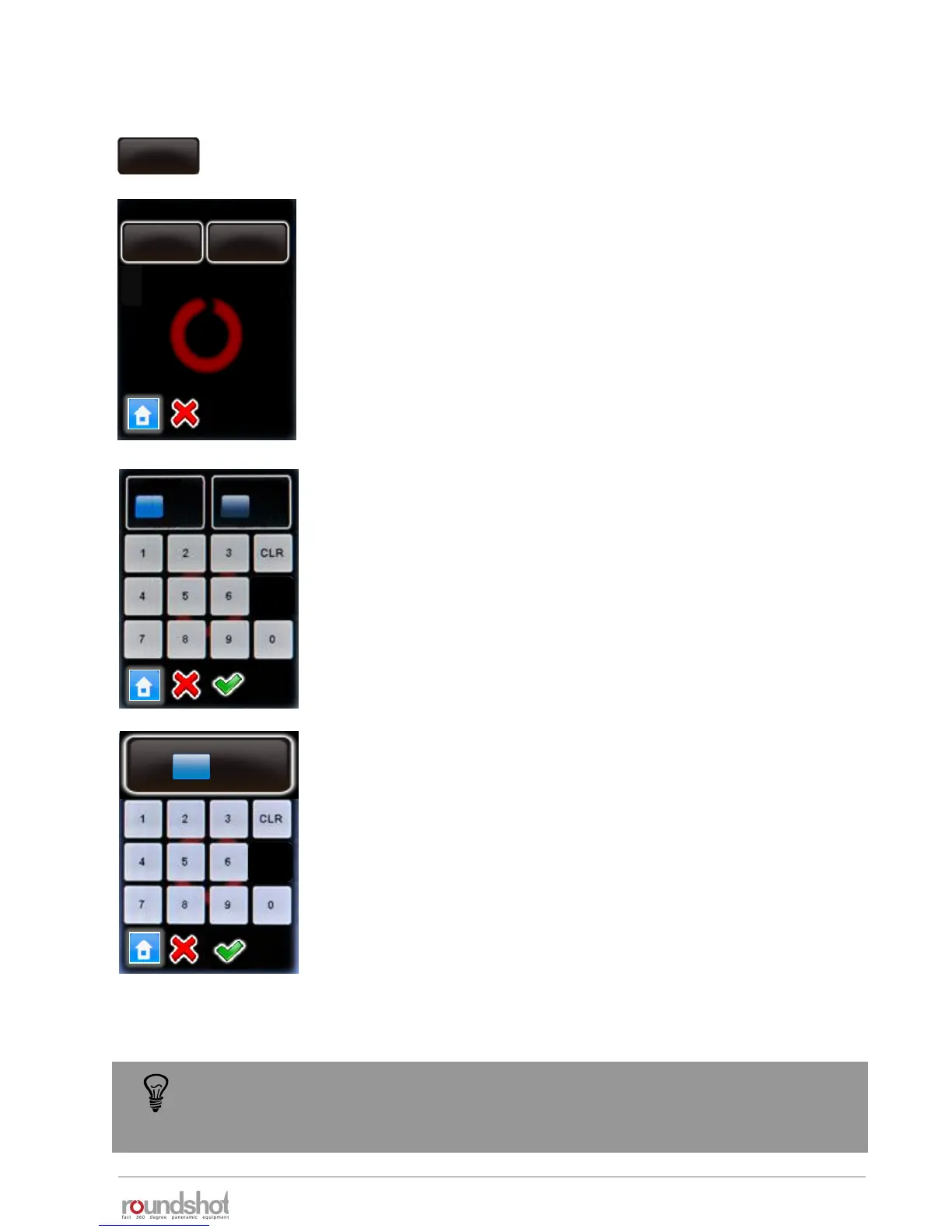
Click on „manual movement“ to set the preferences for manual
positioning of the VR Drive.
Click on „speed“.
Enter the speed of X / Y movement (in seconds).
The standard settings are:
• X: 10s
• Y: 20s
Confirm with “OK” or cancel with “X”.
Click on „acceleration“.
Enter the degree of speed adjustment:
• 1%: slow adjustment
• 100%: fast adjustment
The acceleration value is computed when setting up the program in
the Program Wizard and depends on the focal length:
• <20mm: 100%
• 20mm to 50mm: 50%
• >50mm: 20%
Confirm with “OK” or cancel with “X”.
speed
16/20s
acceleration
15%
manual movement
Beschleunigung
X Y
s
s
10 20
[6..9999] [8..9999]
The manual movement speed and acceleration parameters are used when the VR
Drive is moved with the remote radio release or with the touch screen unit for point
definition (video mode).
4.6.1 Settings/general (continued)
manual
movement
speed
16/20s
speed
10/20s
acceleration
10%
acceleration
[1..100]
10 %



 To Next Page