RDC6432G control system user manual V1.1
SHENZHEN RUIDA TECHNOLOGY
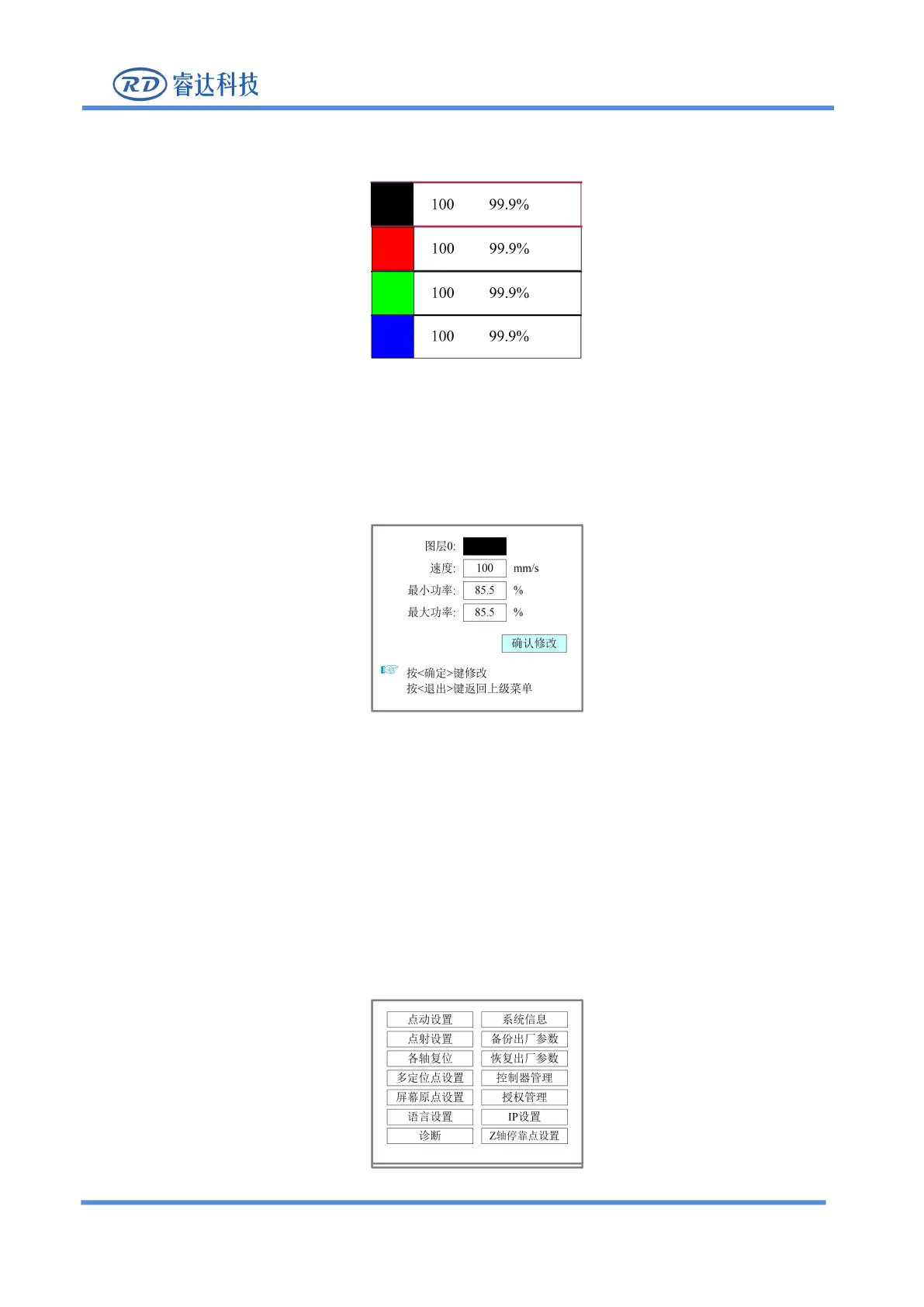
area. At this time, the "red selection box" appears in the first line of the layer list, as shown in the figure
Figure 8.4-2
User can press the up and down keys to select the layer number, and the "select block" will also move.
Select the layer number to be modified and press [ENT] ,the layer setting interface will pop up, as shown
Figure 8.4-3
Please refer to section 8.9.3 for parameter setting operation. Press【ESC】key to exit the interface and
return to the main interface.
8.5 Menu Function
Press [Menu] in the main interface, the pop-up menu interface is as follows:



 To Next Page