RDC6432G control system user manual V1.1
SHENZHEN RUIDA TECHNOLOGY
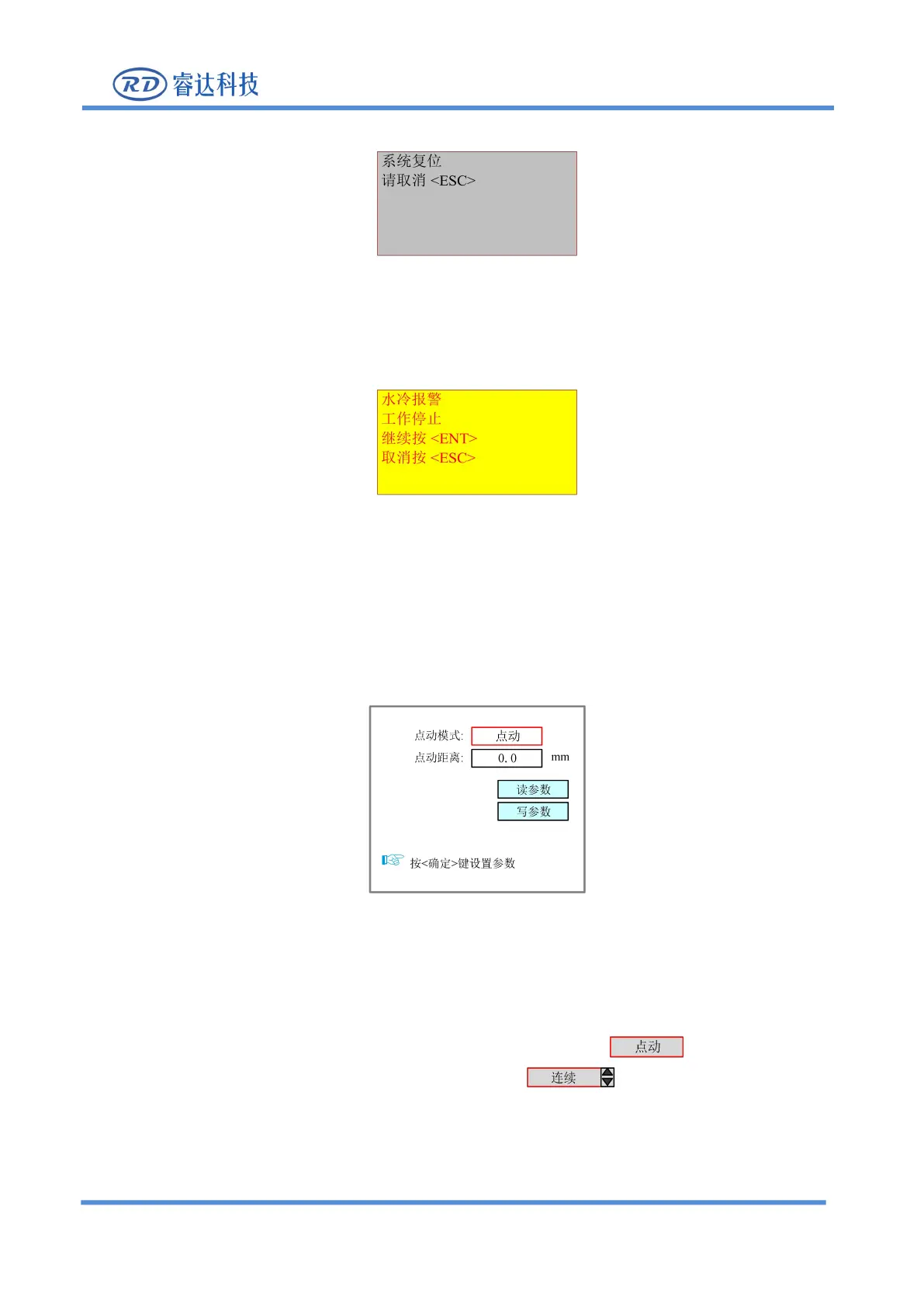
The system pops up and the system is resetting, the interface is as follows:
Figure 8.8-1
Operate according to the interface prompts.
The system pops up a water protection failure, the interface is as follows:
Figure 8.8-2
Press [Enter] or [ESC], and the system will execute related operations.
8.9 Parameter setting operation
This chapter introduces some parameter modification operation methods when using the product.
Figure 8.9.1
.
8.9.1 Option parameter box
1. When modifying a parameter box with options, first select the parameter .
2. Then press [Enter], up and down from the parameter box , the selected parameter box
changes from black to red.
3. Users only need to press the "up and down" keys to select other options, and press the [Enter] to
confirm the currently selected parameter.



 To Next Page