RDC6432G control system user manual V1.1
SHENZHEN RUIDA TECHNOLOGY
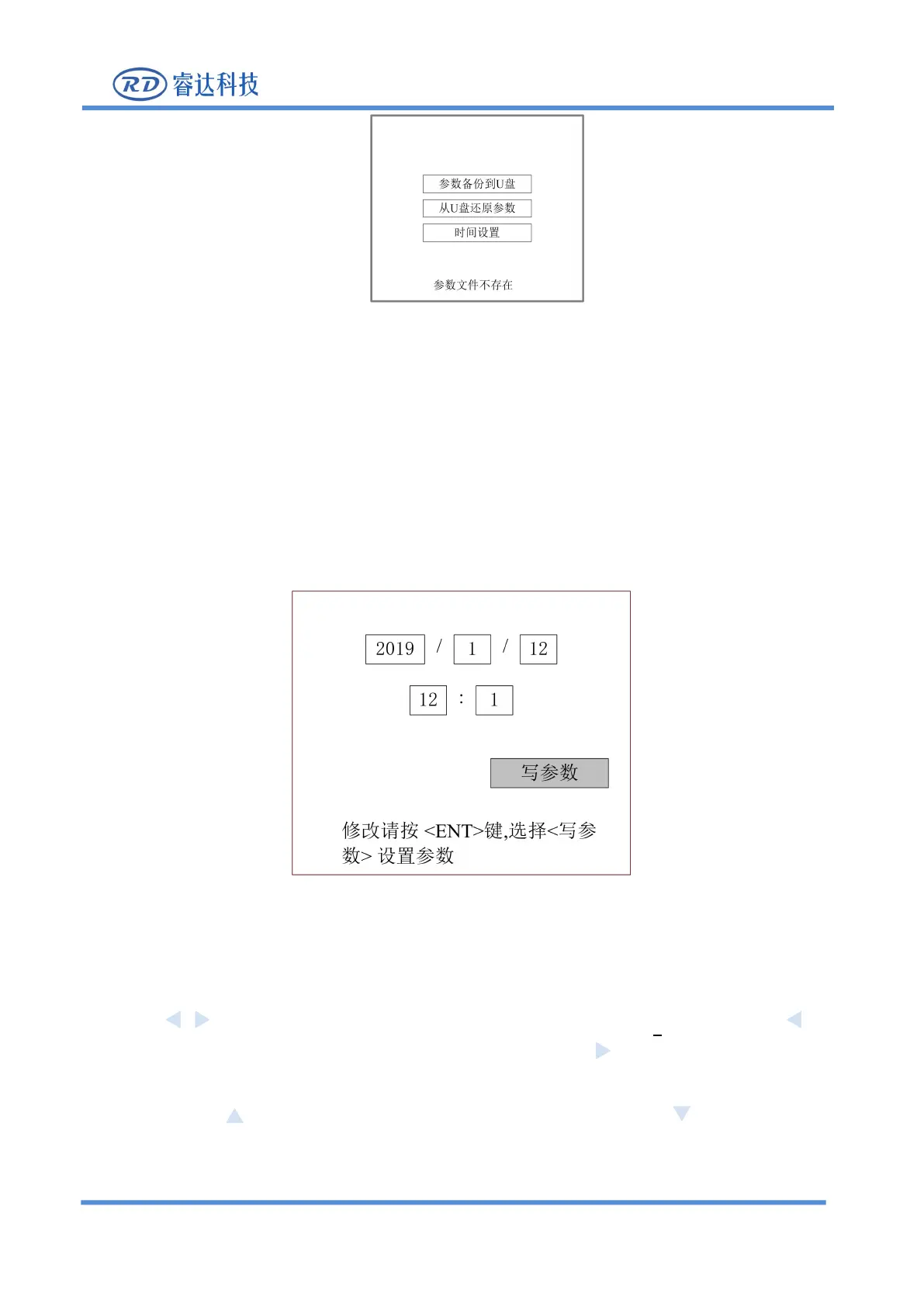
Figure 8.5.11-5
8.5.14 Time setting
When the "red selection box" stops on the item and press the [Enter] key, the following interface will pop
up:
Figure 8.5.11-6
This interface can only be displayed when the system is not encrypted. The parameter setting steps are as
1. Press the arrow keys to select the entry date or time, and press [Enter] to enter the setting.
2. Press the arrow keys to move the underline under the number, such as: 2019, press the key
on the panel, the underline of the value moves to the left, press the key on the panel, and the
underline of the value moves to the right.
3. Press the key on the panel, the underline value becomes larger. Press the key on the panel,
the underline value becomes smaller. (Only modify the underlined numbers)
4. After setting the current input box, press [Enter] to save the setting, repeat steps 1, 2 and 3 to continue



 To Next Page