RDC6432G control system user manual V1.1
SHENZHEN RUIDA TECHNOLOGY
8.5.10 Restore factory parameters
In the menu interface, select the "Restore default
”
, and press the [ENT] key to pop up the password input
interface, fill in “HF8888”. If the password is entered correctly, the system will restore all current user
parameters and vendor parameters with the factory parameters that were set before. The interface
prompts
“
Restored success."
8.5.11 Controller management
Choose the
“
controller set
”
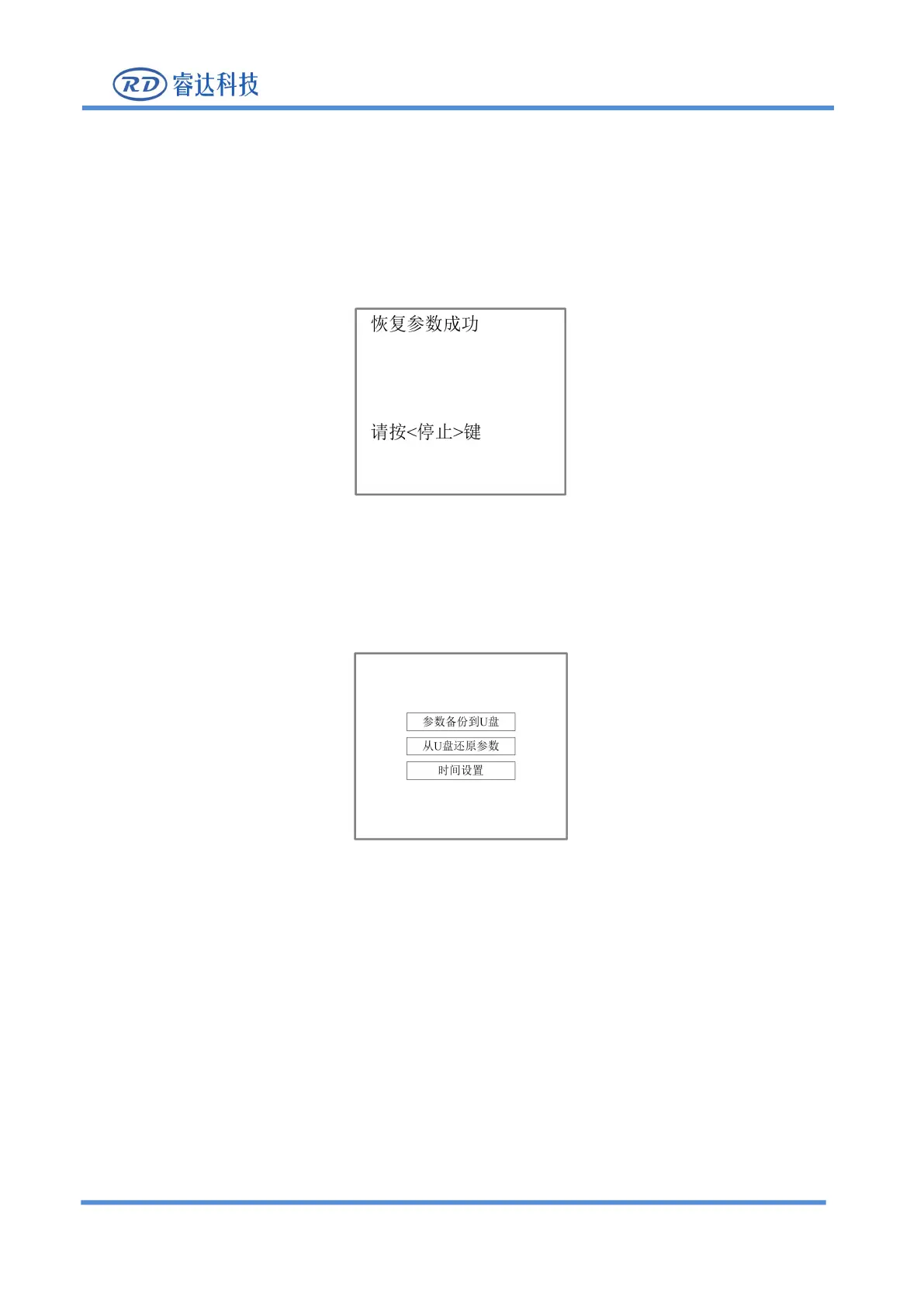
and press [ENT], the following interface pops up:
Figure 8.5.11-1
Press [Enter] on the corresponding item to read and execute the corresponding functions, and press [ESC]
to return to the previous menu.
8.5.12 Backup to U disk
When the "red selection box" stops on the item, press [Enter] key, the following interface will pop up:



 To Next Page