RDC6432G control system user manual V1.1
SHENZHEN RUIDA TECHNOLOGY
2. When all the passwords are entered and correct, it will prompt again: press < Enter > to confirm the
password. (Password length is 6 English letters or numbers)
3. Press
【
Enter
】
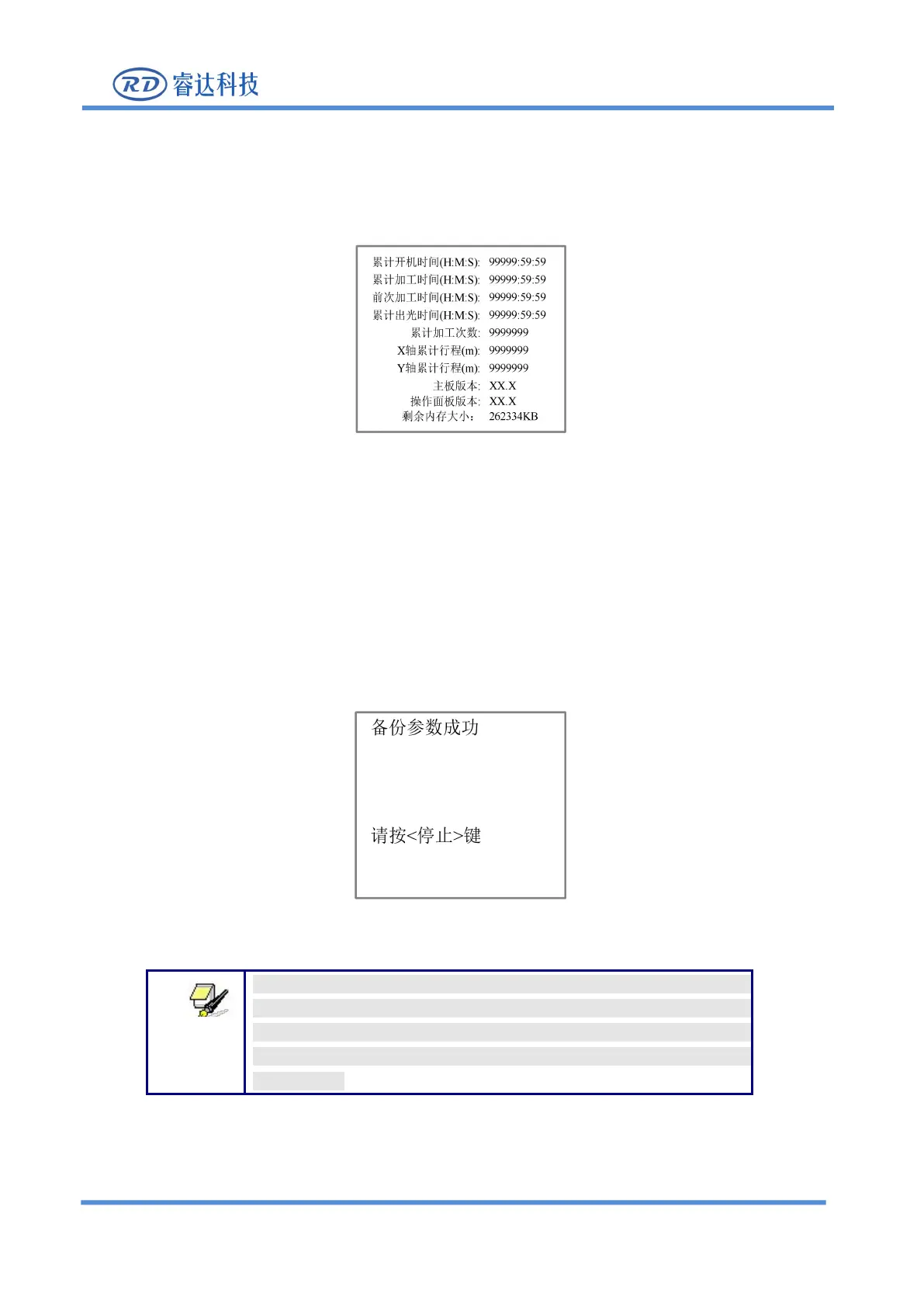
key to enter the following interface:
Figure 8.5.8-2
Press【ESC】to return to the main menu interface.
8.5.9 Back up factory parameters
Choose the "Set default par
”
option and press the [ENT] to pop up the password interface, fill in
“
CC8888
”
.
If the password is entered correctly, the system will back up all current factory parameters and user
parameters to factory parameters, the interface prompts “set parameters succeed".
Figure 8.5.9-1
When the machine delivery from the factory, use the "Backup
Factory Parameters" function to back up all debugged factory
parameters and user parameters, and then at any time, you can use
"Restore Factory Parameters" to restore all factory and user
parameters .



 To Next Page