RDC6432G control system user manual V1.1
SHENZHEN RUIDA TECHNOLOGY
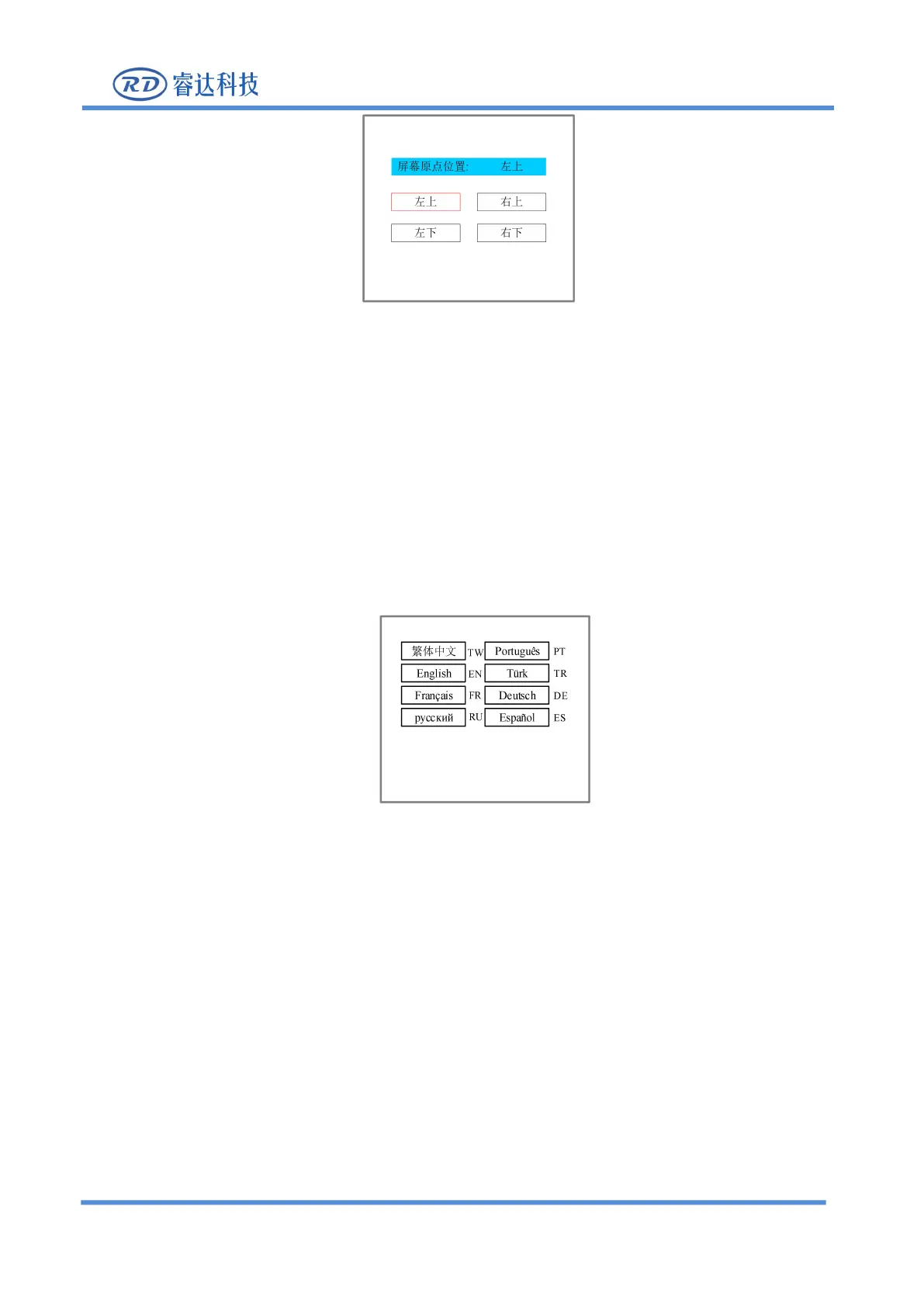
Set the origin position of the display screen here, and select different screen origin positions to mirror the
displayed graphics in different X/Y directions.
Press the arrow keys to select a position and then press the [Enter] key, the screen origin position will be
displayed as the currently selected position, press [ESC] to return to the main menu interface.
8.5.6 Language settings
When the "red selection box" stops on the item of [language setting] and press [Enter] key,the following
Figure 8.5.6
Press the arrow keys to select a language and press the [Enter] key, the setting takes effect, and then it
automatically returns to the main interface.
8.5.7 Diagnosis
When the "red selection box" stops on the [diagnosis] item and press the [Enter] key, the following



 To Next Page