RDC6432G control system user manual V1.1
SHENZHEN RUIDA TECHNOLOGY
Current work time: Preview the processing time of the currently selected file.
Clear all files: Clear the number of processed files in flash memory.
Del all memory files: delete all memory files.
Format memory: Format the flash memory.
Total Pieces: display the total number of processed pieces of all memory files, which can be cleared
by the "clear" item on the right.
The operation method is the same as above, press [ESC] key to return to the previous menu.
8.6.5 Format memory
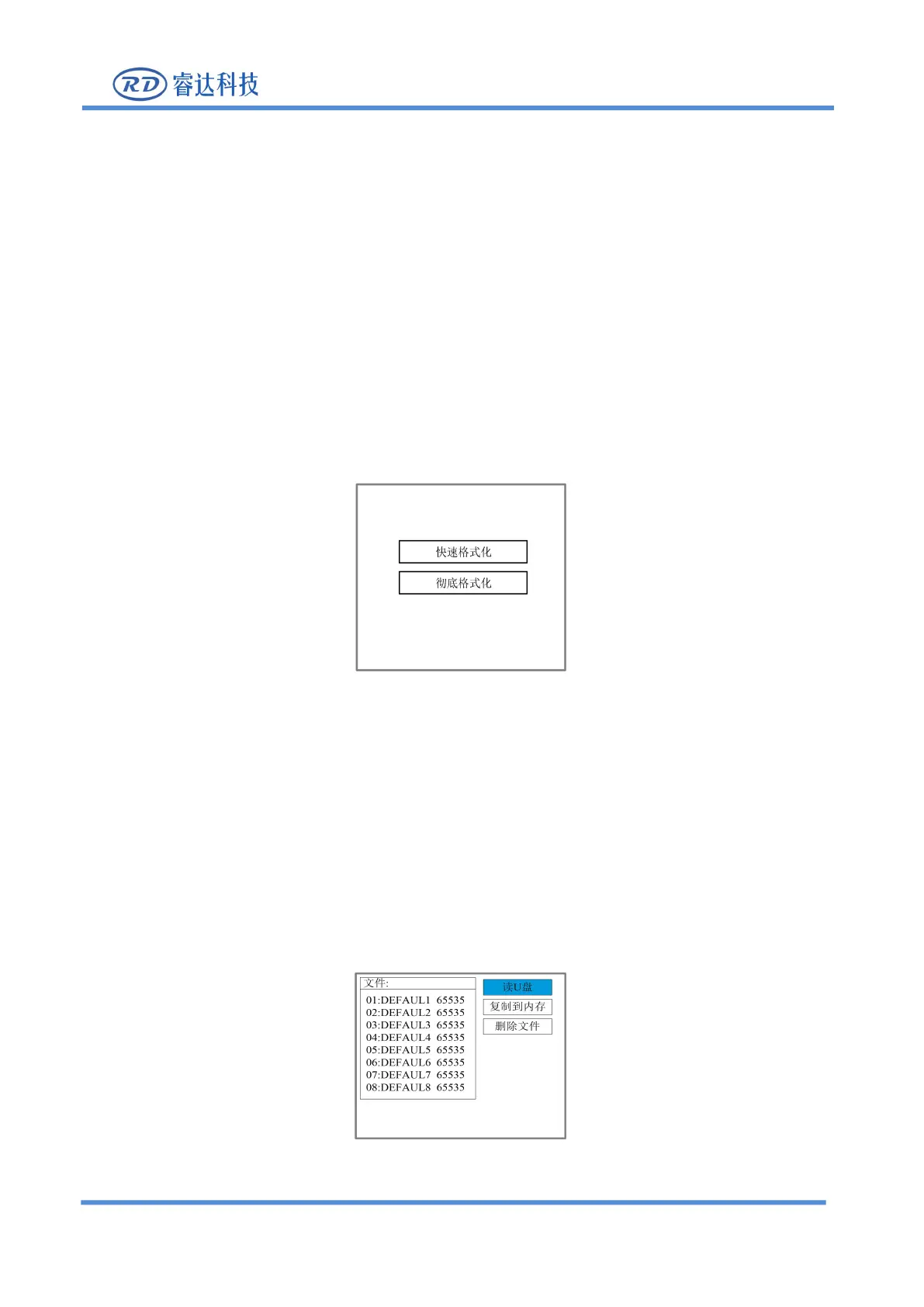
In the above interface, select the "Format Memory" item and press [Enter], the pop-up menu is shown as
Figure 8.6.4.1
After formatting the memory, all memory files will be cleared.
The operation method is the same as above, press [ESC] key to return to the previous menu.
8.6.6 U disk file
Select the "Udisk" entry on the "File" interface and press [ENT] to pop up the U disk file list, as shown in
Figure 8.6.5



 To Next Page