RDC6432G control system user manual V1.1
SHENZHEN RUIDA TECHNOLOGY
8.5.2 Pulse setting
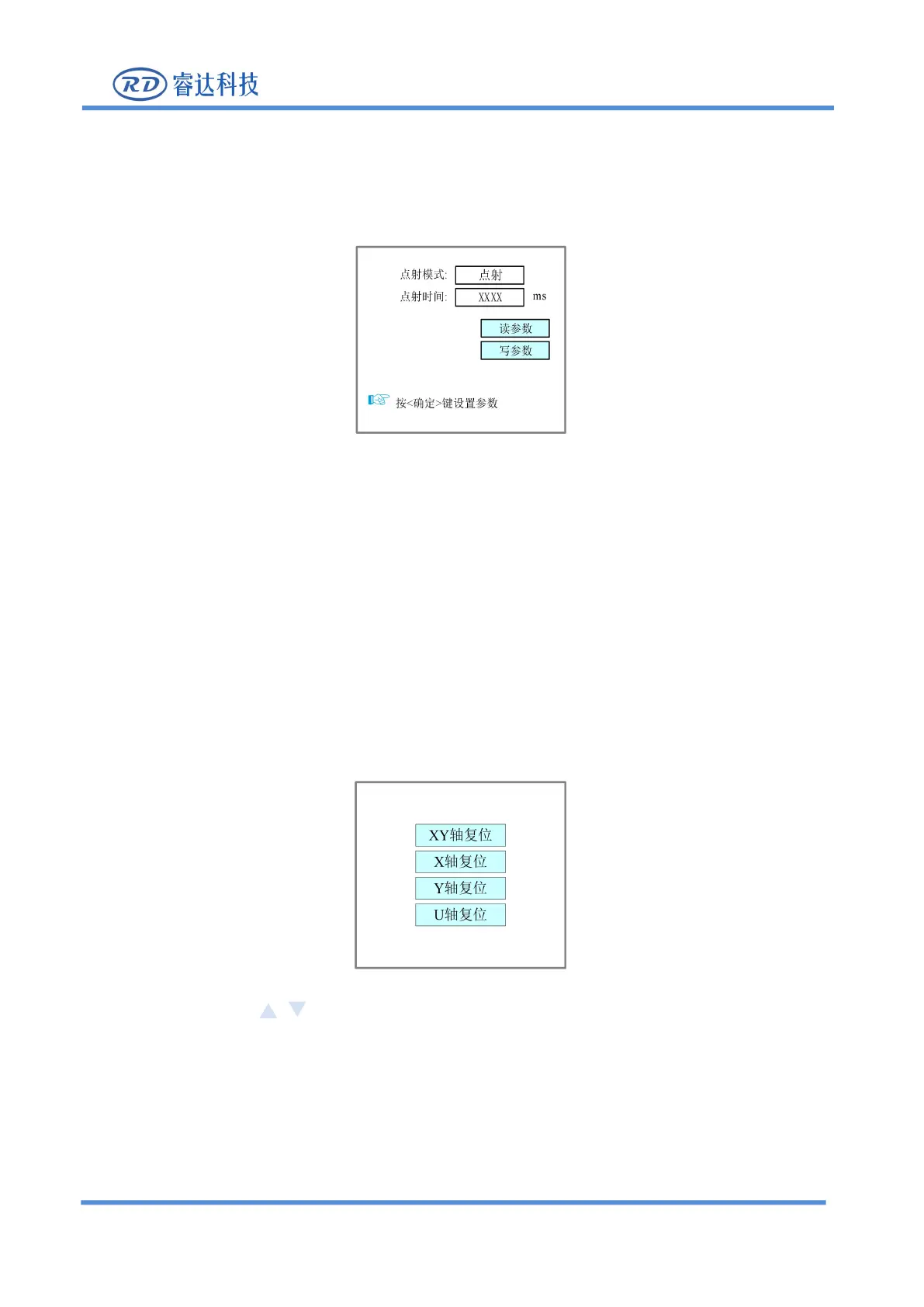
When the "red selection box" stops on the item and press the [Enter] key, the following interface will pop
Figure 8.5.2-1
Please refer to section 8.5.1 for setting steps.
If the pulse mode is selected as "continuous", the laser will always on when the pulse button is pressed,
and the laser will be turned off when the start button is ejected. If the pulse mode is selected as "pulse",
the laser will be on once every time the pulse button is pressed. The laser time is the pulse time value set
8.5.3 Axis Reset
When the "red selection box" stops on the item and press the [Enter] key, the following interface will pop
Figure 8.5.3-1
Press the arrow keys , select an item and press [Enter] key, the system will reset the axis and
Press
【
ESC
】
key to return to the previous menu.



 To Next Page