RDC6432G control system user manual V1.1
SHENZHEN RUIDA TECHNOLOGY
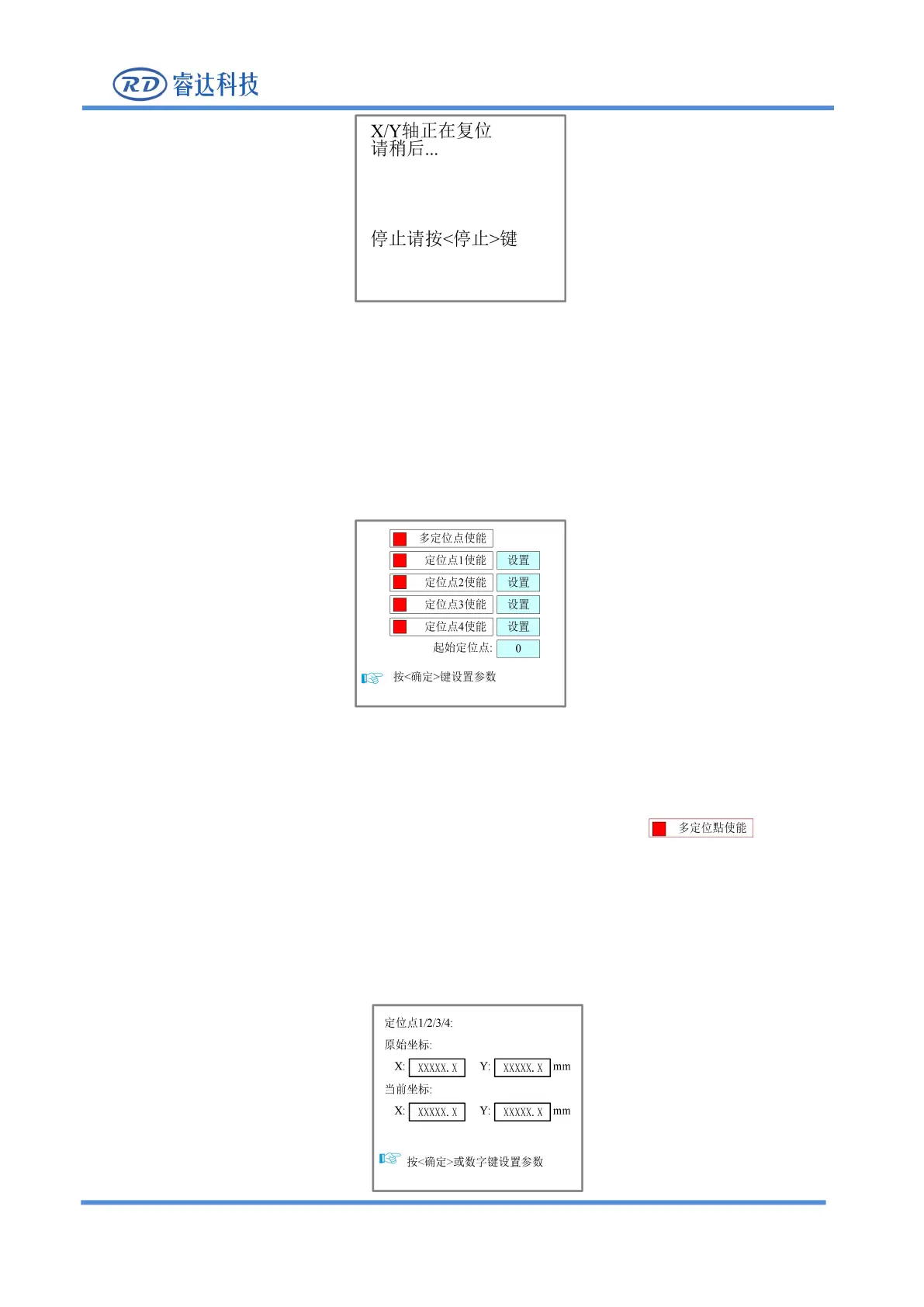
Figure 8.5.3-2
8.5.4 Multi-point setting
In the menu interface, select the “positioning Settings" item, press [Enter] key and then the following
Figure 8.5.4-1
At this time, the "red selection box" defaults to the "multi point enable" item, press the [Enter] key to
enable or disable multiple points (the small square on the right is displayed in red when
enabled), and other point operations are same, just enable the point that needs to be used. After each
position point is enabled, there is a【Set】button. When you need to set the corresponding position of the
positioning point, just use the "Up, Down, Left, Right" keys to select the red selection box corresponding
to the positioning point
【
Set
】
button, and press the
【
Enter
】
then enter the positioning point position
setting interface, as shown in the figure:



 To Next Page