RDC6432G control system user manual V1.1
SHENZHEN RUIDA TECHNOLOGY
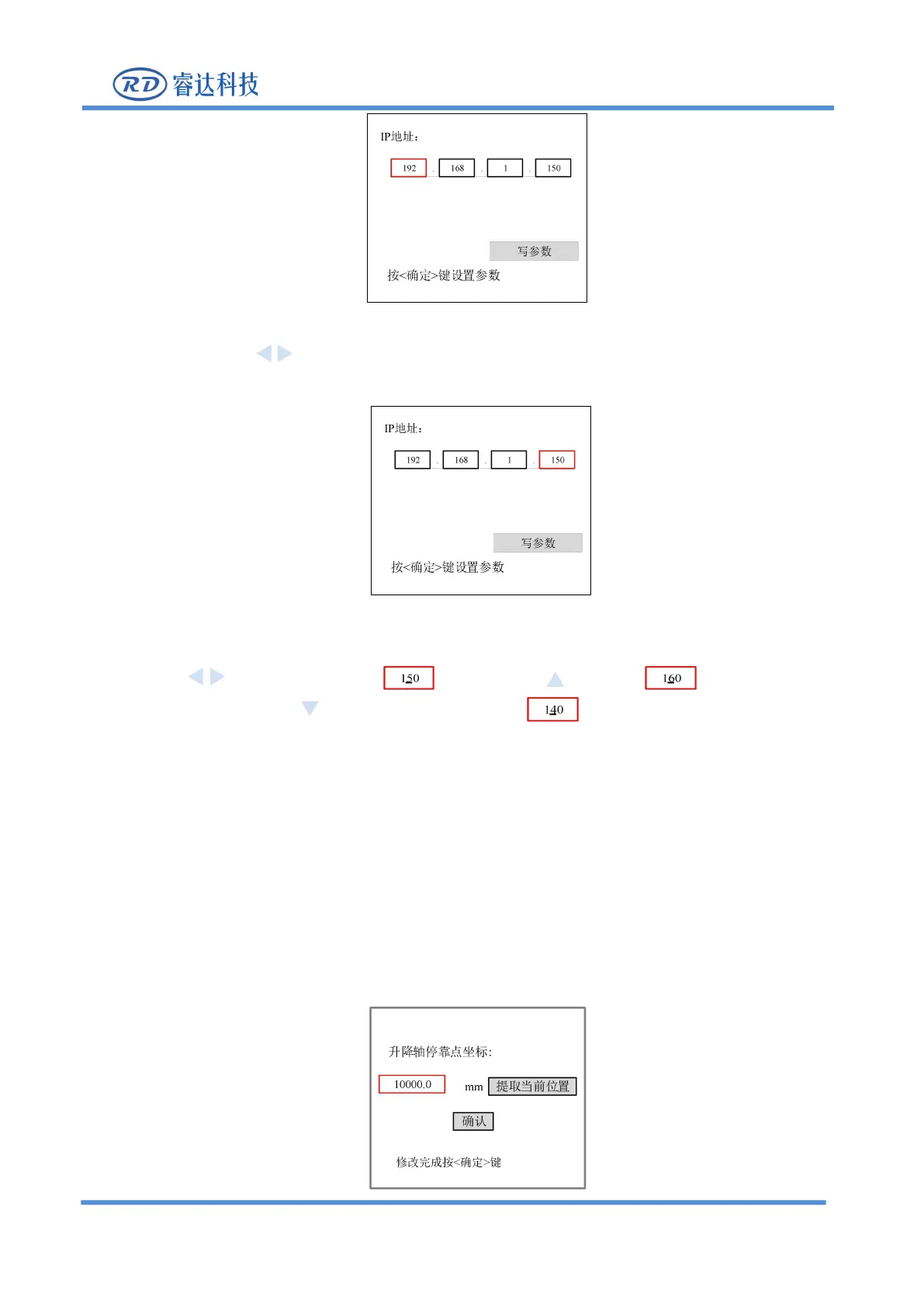
Figure 8.5.13-1
2. Use the arrow keys to select the item to be set, the red box is the selected item, as shown in the
figure below, press [Enter]:
Figure 8.5.13-2
3. After pressing the [Enter] key, an underline will be added to the number of the item. Users can use the
arrow keys to move the underline , press the key to increase the value of the
underline, and press the key to reduce the underline value .
4. After setting is completed, press [Enter] key to save the settings of the current entry, and repeat the
above steps if you need to set other entries.
5. All items are set up, select [write parameters], press [Enter] key to save all item settings.
6. Press [ESC] key to return to the main menu interface.
8.5.17 Z-axis stop setting
When the "red selection box" stops on the [Z-axis origin point setting] item and press the [Enter] key, the
following interface will pop up:



 To Next Page