RDC6432G control system user manual V1.1
SHENZHEN RUIDA TECHNOLOGY
Figure 8.5.12-3
4. Use the "up, down, left, and right" direction keys to select the corresponding character, and press
[Enter] to confirm the input. If you make a mistake in the operation, just press [Exit] to reselect and press
[Enter] to enter the setting.
5. After input, press【ESC】key to exit the current input box setting, and the soft keyboard will disappear.
Press the arrow keys to select other parameter boxes. The parameter setting operation is the same as
6. After setting all parameters, move the red selection box to [Change Authorization Code], and press
[Enter] to set successfully.
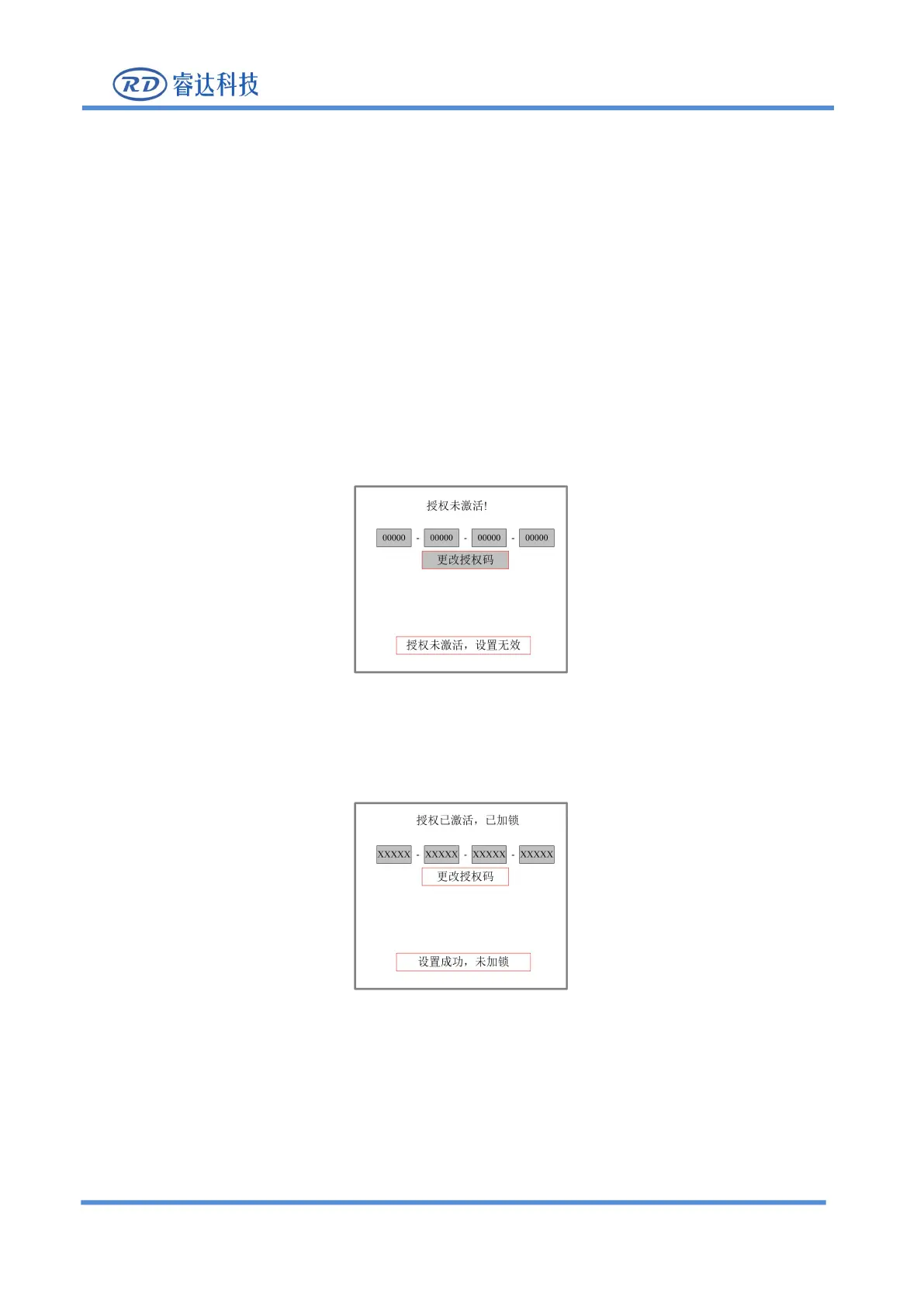
7. If the authorization code is wrong, prompts such as "non-compliant authorization code" or
"authorization is not activated, setting is invalid", "authorization code does not match" will be displayed.
Figure 8.5.12-4
8. If the authorization code is correct, it will prompt authorization activation. Press the exit key to return
to the upper operation interface.
Figure 8.5.12-5
8.5.16 IP setting
When the "red selection box" stops on the [IP settings] item and press the [Enter] key, the following



 To Next Page