RDC6432G control system user manual V1.1
SHENZHEN RUIDA TECHNOLOGY
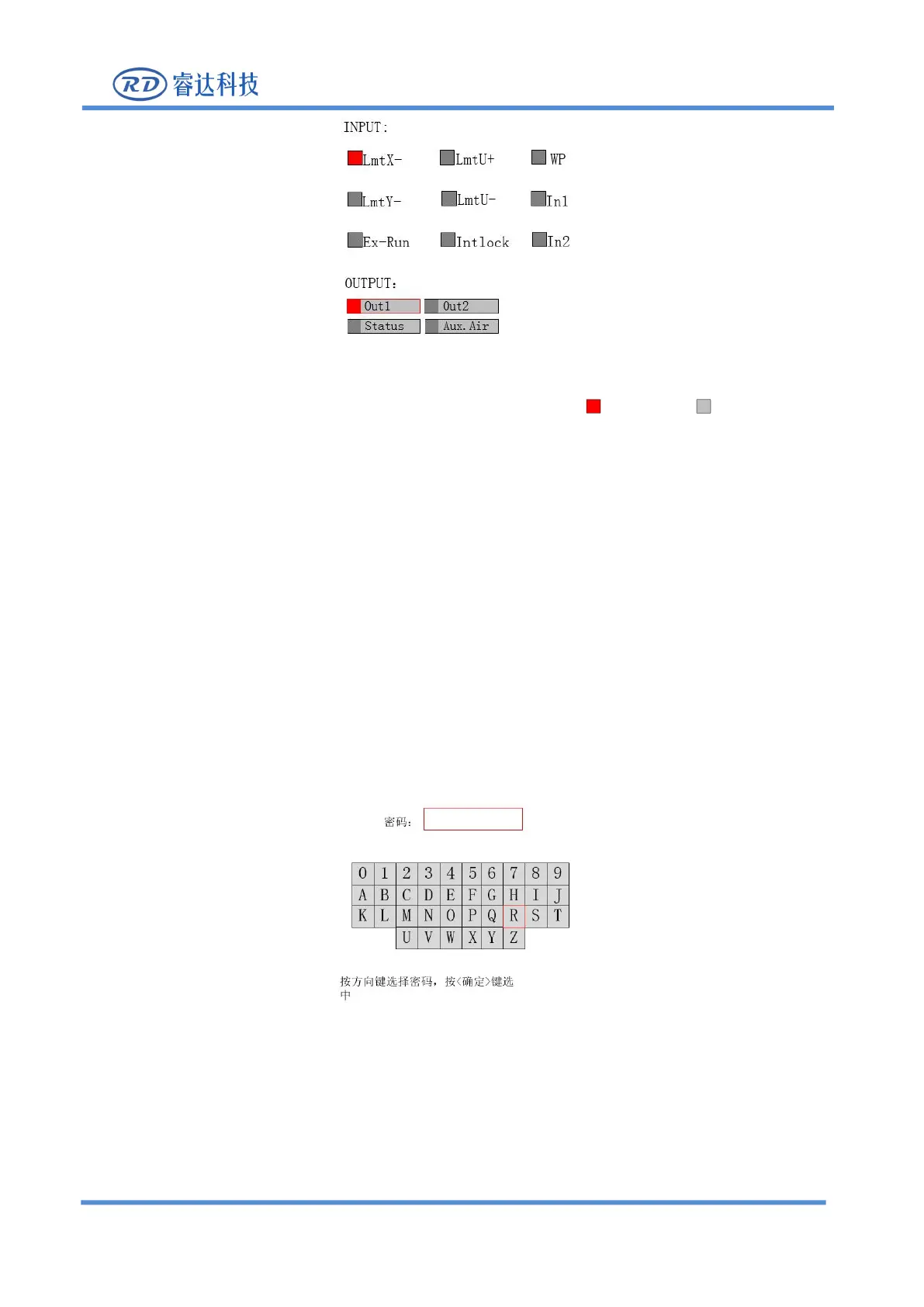
Figure 8.5.7-1
This interface displays the hardware IO port information of the system: trigger Not triggered
Read system hardware information. When the hardware signal is triggered, the small box on the left of
the corresponding item will be red, otherwise it will be gray.
Select an output port with the cursor and press [Enter] to switch the output state.
Press【Exit】to return to the previous menu.
8.5.8 System Information
Choose
“
System info
”
option and press the [ENT], fill in
“
RD8888
”
and confirmed, the following interface
Figure 8.5.8-1
1. Use the arrow keys to select numbers or letters, and press [Enter] to confirm.



 To Next Page