RDC6432G control system user manual V1.1
SHENZHEN RUIDA TECHNOLOGY
The operation method is the same as the memory file, press [ESC] key to return to the "File" interface.
Read U disk file: read the U disk file list.
Copy to memory: copy the selected file to internal memory.
Delete file: delete the selected file in the U disk.
This system supports the FAT32 and FAT16 file formats of the U disk. The
file must be placed in the root directory of the U disk to be recognized by
the system. File names longer than 8 characters will be automatically cut
off by the system. Except for English and numbers named files. Others will
not be displayed on the controller. Files copied from the controller to the
U disk are placed in the root directory of the U disk.
8.7 Password input and setting
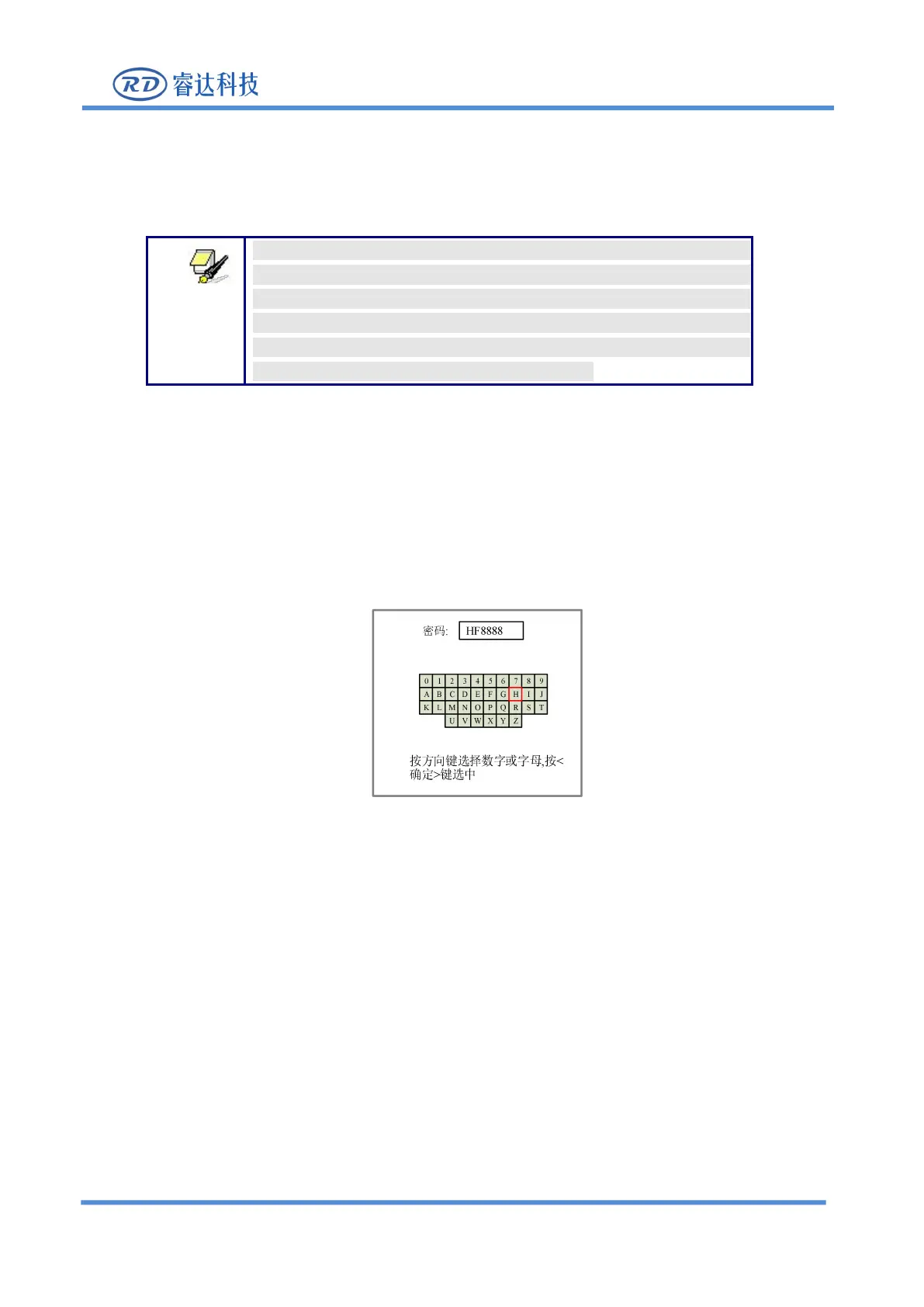
8.7.1 Password input
图
8.7.1
User can select a number or letter by pressing the arrow keys, and press the [Enter] key to select, and
press the [Enter] key when you enter a full six-digit password. If the password is correct, enter the next
interface or perform an operation, otherwise it will display "Password" Error", re-enter.
Press【ESC】key to return to the previous menu.
8.8 Prompt and alarm information
During user operation or system operation, some prompts and alarm messages will pop up, such as
resetting, water protection failure, limit protection, border crossing, etc.



 To Next Page