RDC6432G control system user manual V1.1
SHENZHEN RUIDA TECHNOLOGY
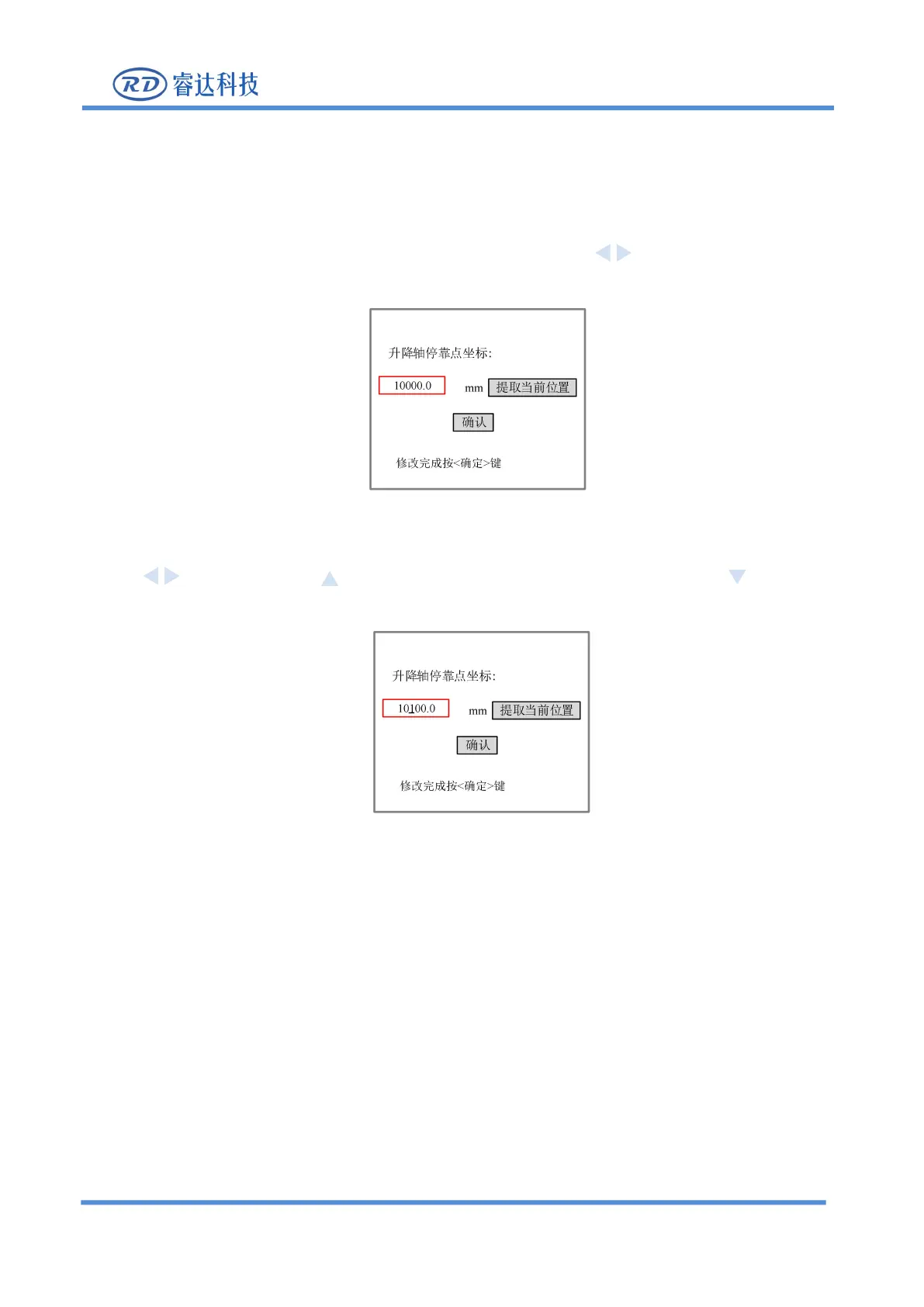
Figure 8.5.14-1
There are two ways to set the Z-axis point, one is to directly input the Z-axis coordinate, and the other is
to set the current coordinate position.
1. As shown in the figure below, select the input box with the arrow keys , and press [Enter] to enter
Figure 8.5.14-2
2.An underline will be added to the number in this entry. Users can move the underline with the arrow
keys , and press the key to increase the value of the underline, and press the key to reduce
the value of the underline.
Figure 8.5.14-3
3.After setting, press [Enter] key to save the setting of this input box.
4.Press [Enter] on the panel to save the settings.
5.Press【ESC】key to return to the main menu interface.
1. As shown in the figure below, use the arrow keys, to select [current location], and press [Enter] to get



 To Next Page