Internal Calibrations Page 8-
Flow The flow column represents the actual
flow or ozone concentration produced by
the device for each control voltage.
Editing Calibration Data
Selecting Edit from the calibration menu allows either the
polynomial coefficients or a lookup table to be edited. As with
View, the type of data that can be edited depends upon how the
data was entered; as a table or as coefficients.
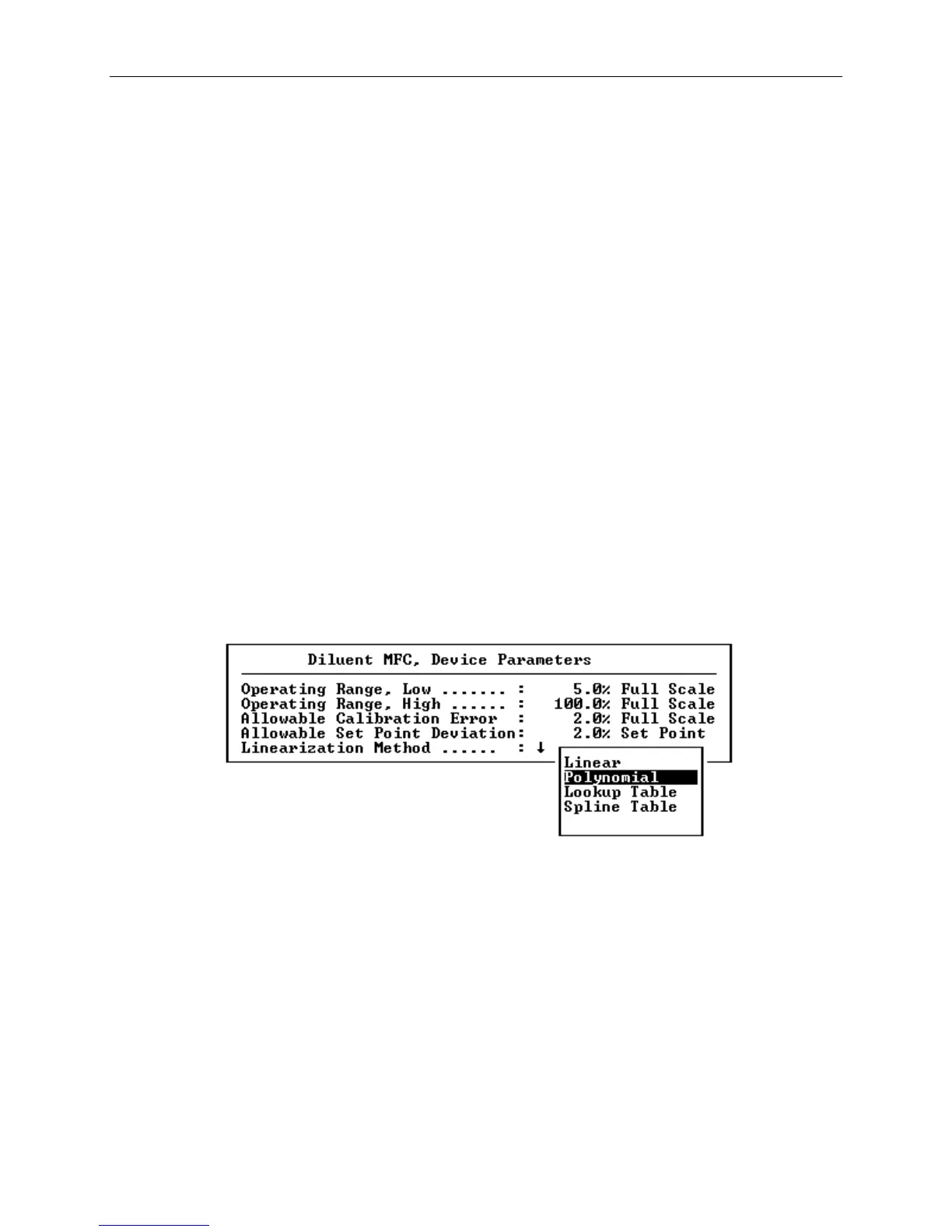
Selecting Device Parameters
Ordinarily, it is not necessary to modify the device parameters,
since the factory default values cover most applications, however
if it is desirable the change the operating limits, allowable
calibration error or the linearization method, these parameters
can be altered by selecting Parameters from the devices
calibration menu.
Figure 8-6 Device Parameters



 To Next Page