System Operations Page 3-
of shortcut letters is a quick way to navigate a menu path.
Since the display does not support gray-scales, the shortcut letters
are not evident from the front panel, but they are usually the first
letter of the menu item. For example, by entering "SE" on an external
keyboard, the Sequence Edit screen will be selected.
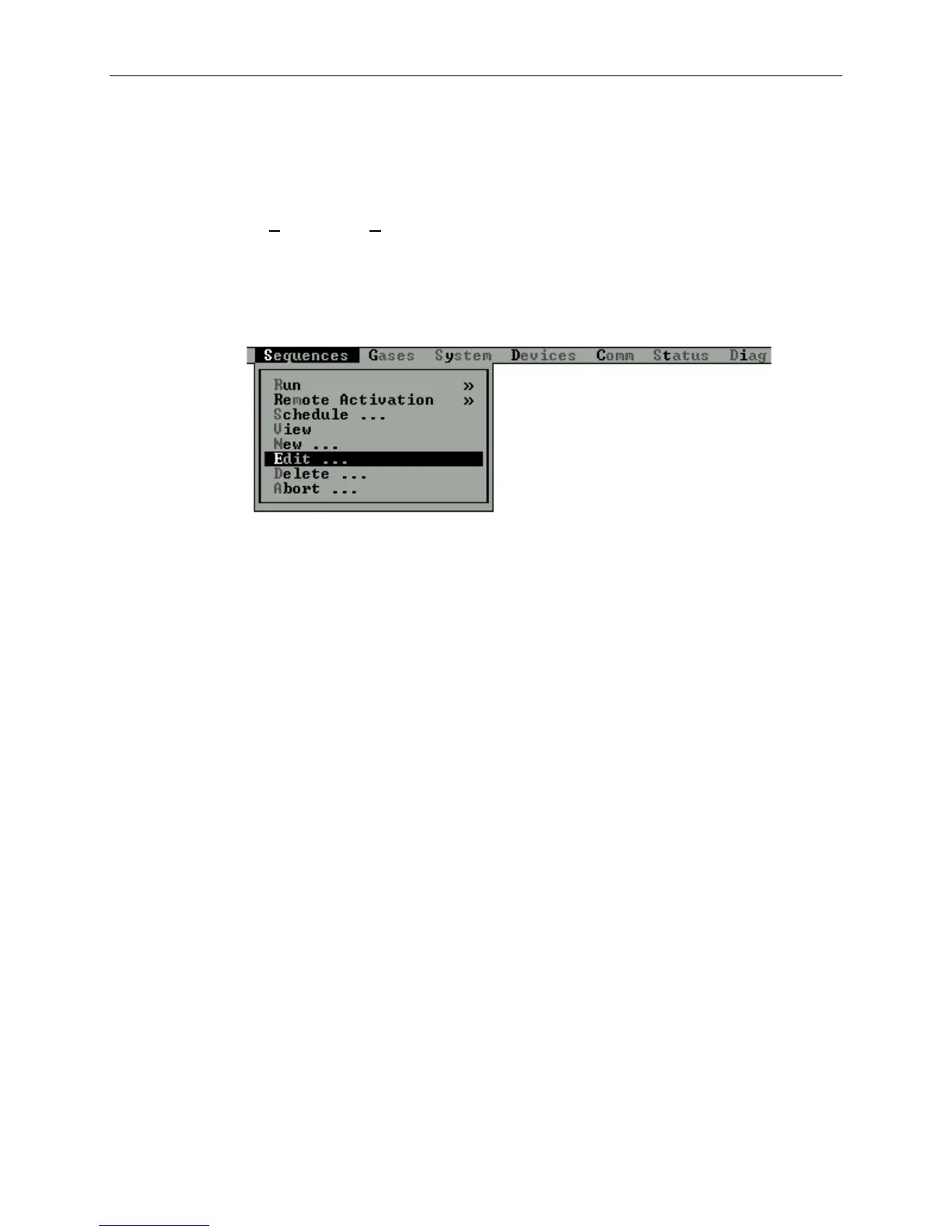
When operating the 2010D via a serial port in terminal mode, the
shortcut keys are indicated as a different color, as shown in the
figure below.
Figure 3-3 External Keyboard Shortcuts in Terminal Mode
Near the bottom of the screen, a status line displays information
about the current state of the 2010D. The following information
may be found on the status line:
Time and Date The current time and date is always
displayed at the left side of the status
line. The format in which the date is
displayed may be changed from the Set Time
and Date screen under the System menu.
Status message To the right of the status line, a short
status message may be displayed. This
message might indicate that a certain mode
of operation has been selected or, if a
sequence is active, will indicate the
active sequence name and point.
COM1, COM2 To the right of the status message area,
a COM1 and/or COM2 indicator will appear
when the associated communication port is
active.



 To Next Page