Operation Page 5-
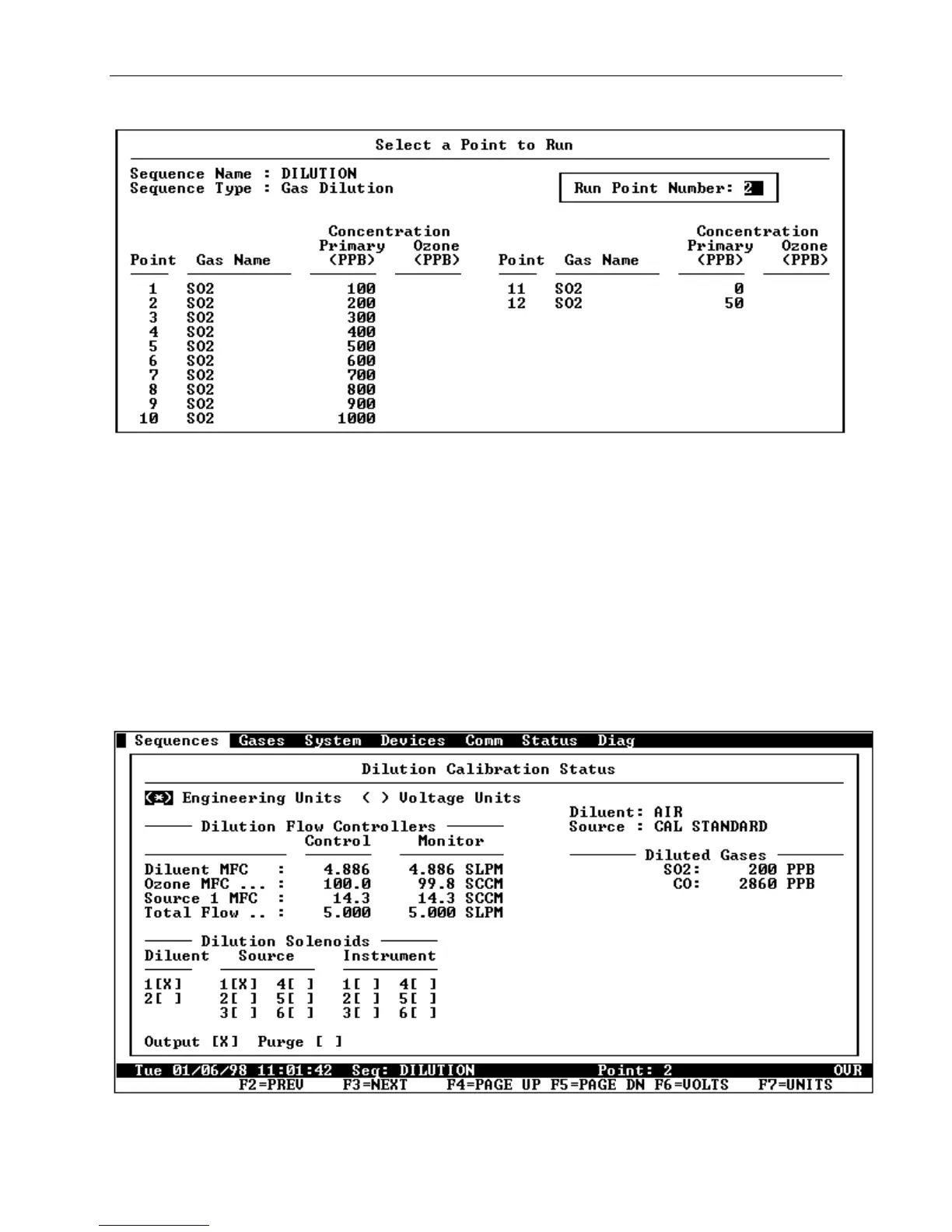
Figure 5-2 The "Select a Point to Run" Screen
[5] Select a calibration point to run by entering a number
corresponding to the desired calibration point and then
press the Enter button. The selected sequence point will
be started and a status screen will appear (see Figure 5-
3). The type of the status screen that appears will depend
upon which type of sequence is started. Near the bottom of
the screen, on the status line, the name of the sequence
and the active point number will be displayed.
Figure 5-3 The Sequence Status Screen



 To Next Page