Internal UV Ozone Photometer Page 9-
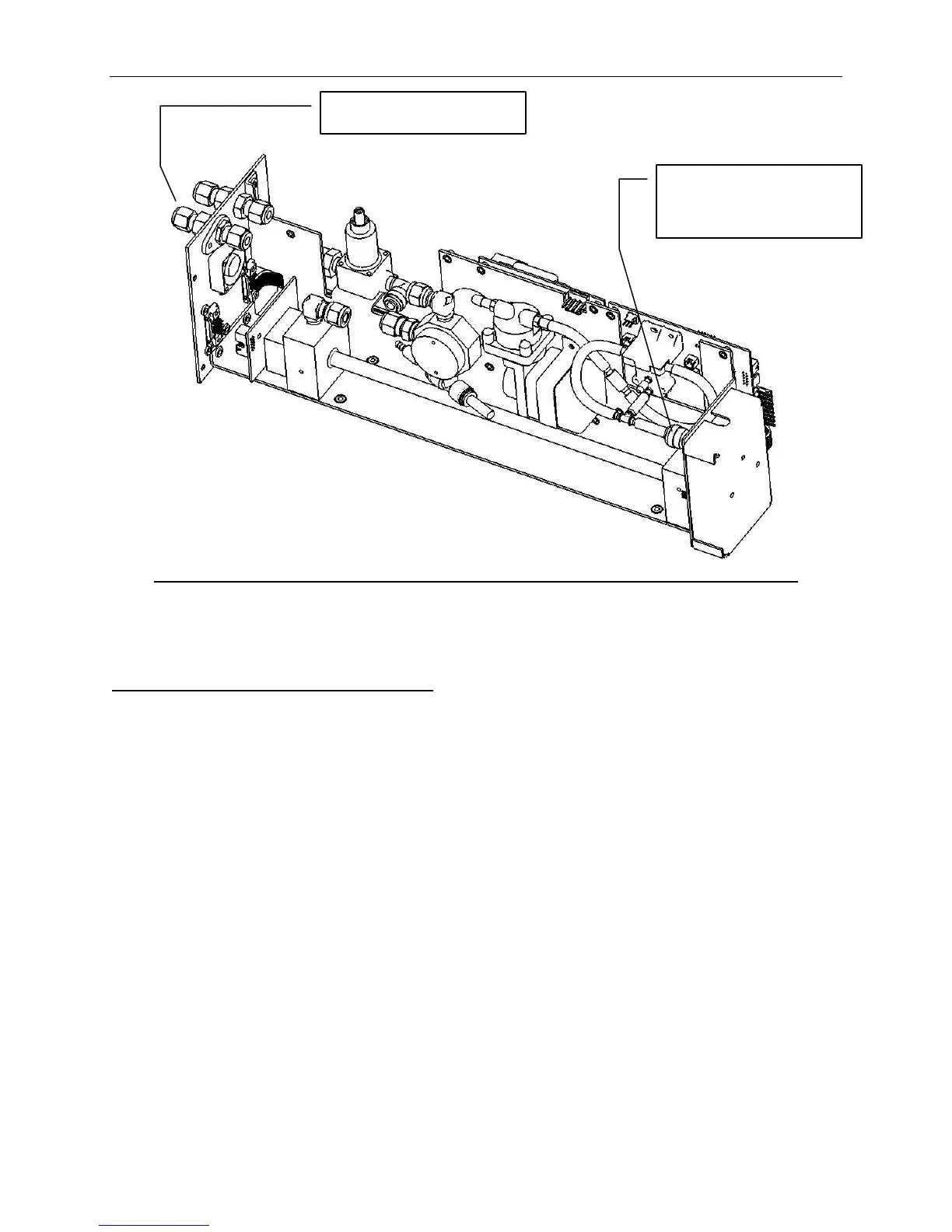
Figure 9-11 Photometer, Leak Check Setup
Photometer Flow Check/Adjustment
The reference air for the photometer is supplied from the same
source as the diluent air for the dilution system. This is
split from the dilution stream prior to entering into the
dilution system. High or low flow entering the sampling
stream can cause the photometer to read erratically or off
depending on the amount of flow.
The reference air is regulated by a precision pressure
regulator and orifice to 1400 SCCM or 1.4 Liters. The
following procedure can be used to determine the flow of the
zero air and to adjust the regulator if the flow is incorrect:
[1] With the Model 2010D powered off and disconnected from
power, remove the cover from the unit and put it aside.
[2] Disconnect the hose that is connected to the tee fitting
located on the sample valve. The tee for the valve is
quick disconnect fitting, so pressing the collar inward
and pulling the tube out will remove it without the use
of tools. Refer to Figure 9-10 for details.
Disconnect tube
and connect
vacuum source



 To Next Page