Getting Started Page 2-
User Interface
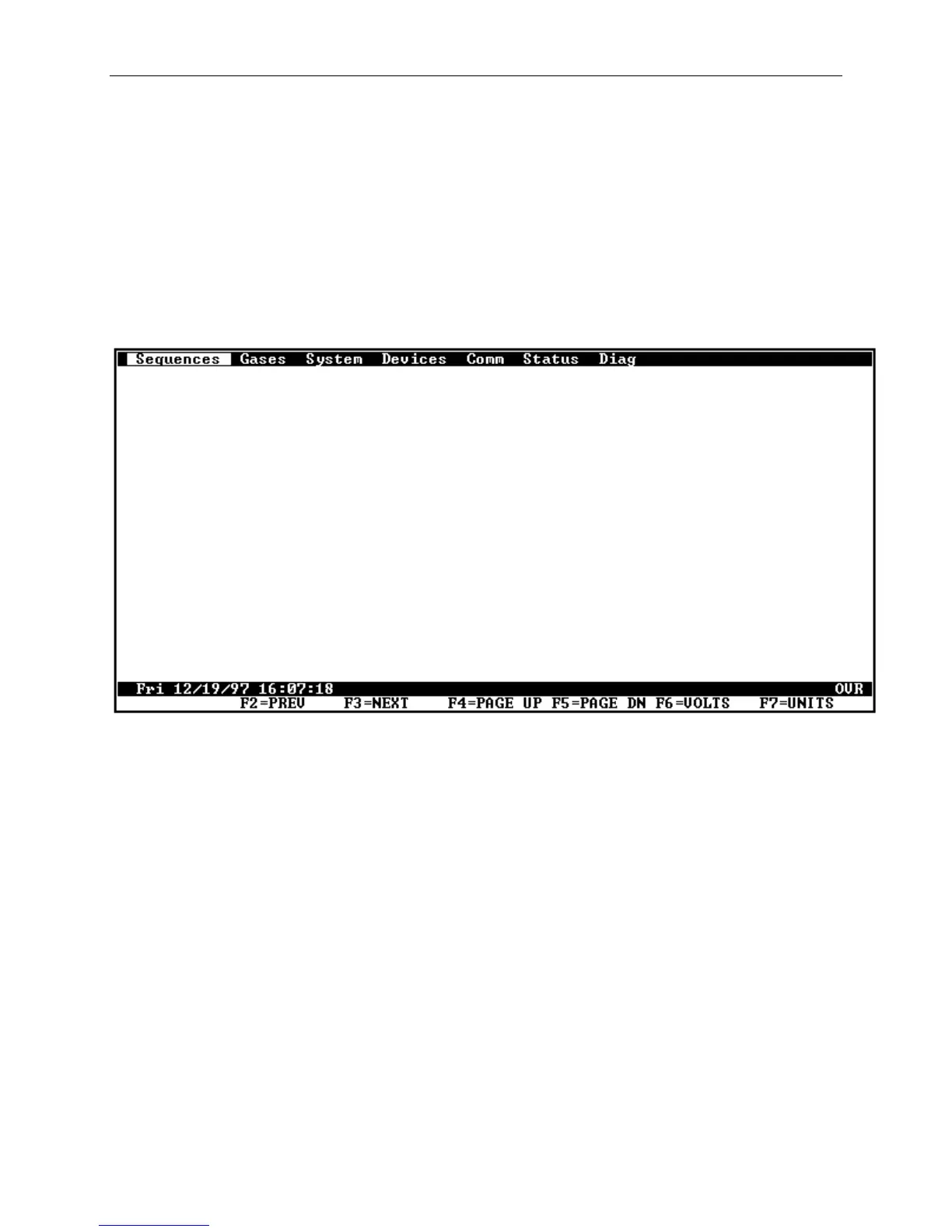
After the Model 2010D has finished it's power-up sequence, the
screen shown in Figure 2-1 will be displayed on the 2010D's front
panel. The operation of the Model 2010D is similar to operation
of many popular Windows applications. The front panel touch
buttons are used in conjunction with the display when entering
Model 2010D commands. The touch buttons are active at all times
when the unit is under power. Section 3, "System Operations",
describes in more detail general guidelines for operating the
Model 2010D.
Figure 2-1 The Main Screen



 To Next Page