5 - Information / Configuration
F@st™ 2804v2 Reference Manual - 253329475-A
Sagemcom document. Reproduction and disclosure prohibited Page 5-81
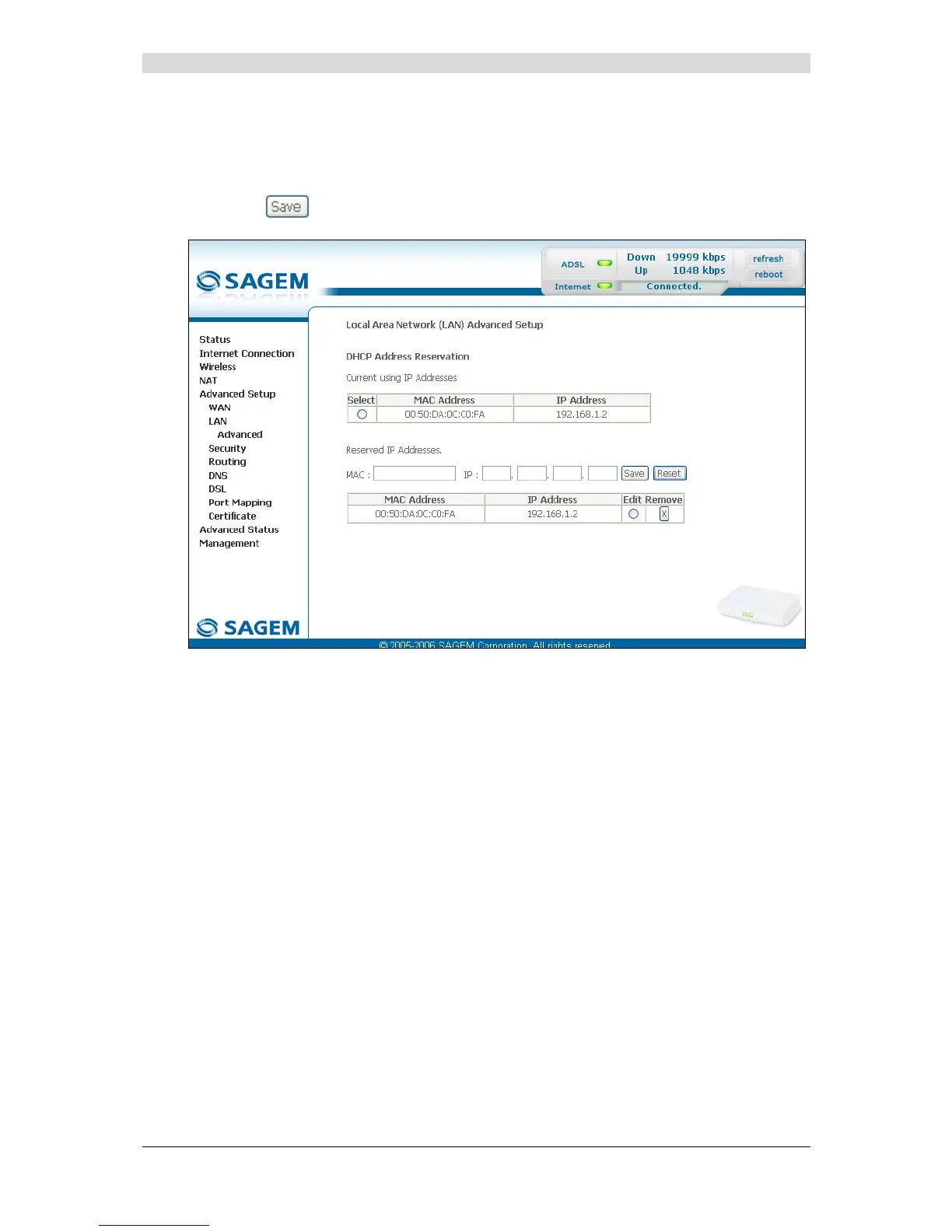
Reserved IP addresses
To reserve the current address, check the "Select" box; both "MAC Address" and
"IP Address" fields appear in the relevant fields of the "Reserved IP Addresses" area, then
click on the
button.



 To Next Page