5 - Information / Configuration
F@st™ 2804v2 Reference Manual - 253329475-A
Page 5-104 Sagemcom document. Reproduction and disclosure prohibited
5.9.6.2 Dynamic DNS
Subject: Enables a web surfer to access your router (having no fixed IP address but only a
DNS entry) through a dynamic DNS provider such as, for example, dyndns.org.
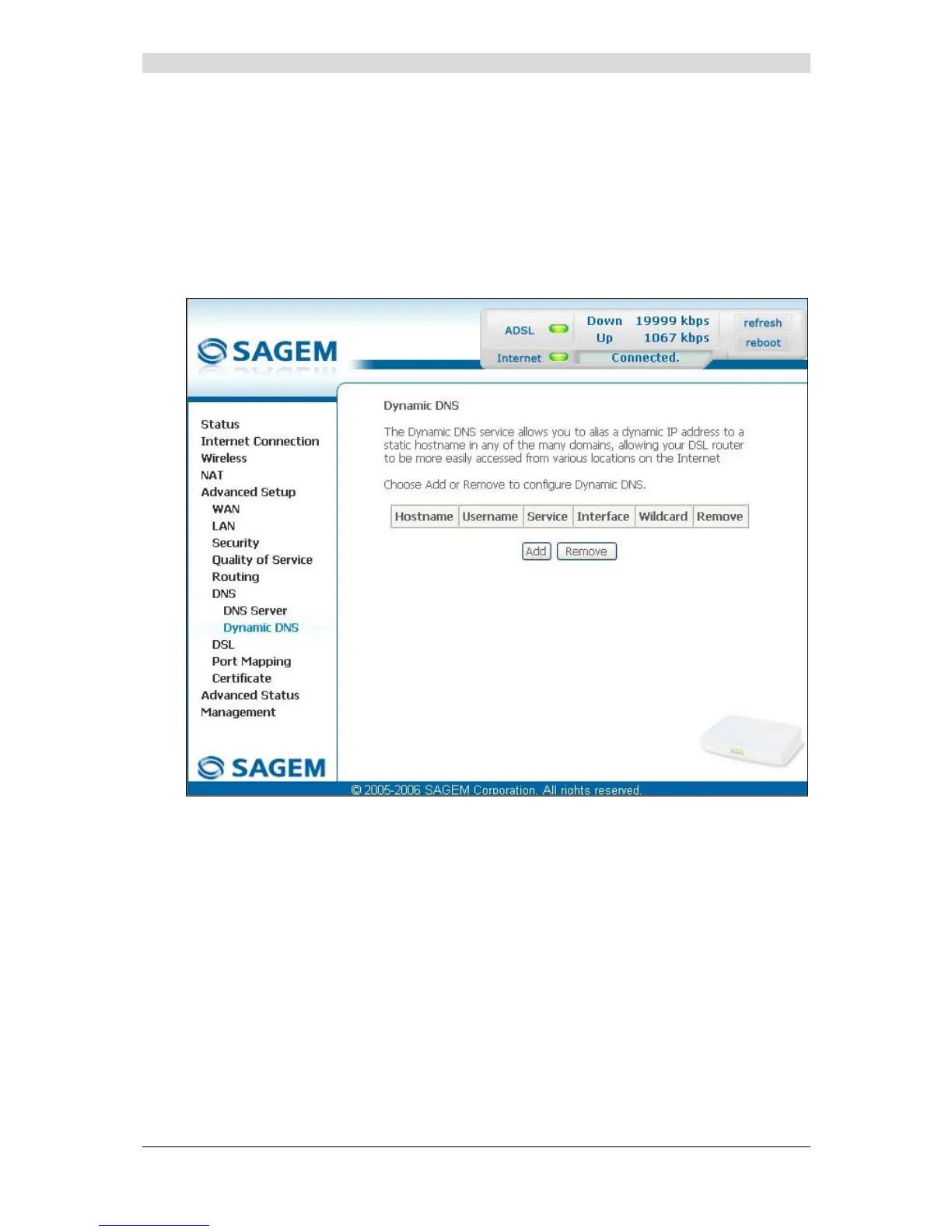
In the Advanced setup section, select the DNS menu then select the Dynamic DNS sub-
menu.
The following screen appears.
On the screen above, The fields of the table are detailed in the next subsection (Add).
Note: On the screen above, The fields of the table are detailed in the next subsection (Add).
The "Service" field is automatically filled by the system in "dyndns".



 To Next Page