Annexe E - Configuration par défaut
F@st™ 2804v2 Reference Manual - 253329475-A
Page E-2 Sagemcom document. Reproduction and disclosure prohibited
This section indicates the values of the default parameters of your
F@st™ 2804v2 when it leaves the factory.
These default parameters can be modified by a particular preconfiguration of your
F@st™ 2804v2.
E.1 Default username and password
Username admin
Password admin
The Username and Password can be different according to the ISP (Internet Service
Provider).
E.2 Default configuration for the local network (LAN)
The following table gives the values of the principal LAN parameters of your F@st™ 2804v2
(ETH1 to ETH4, USB) :
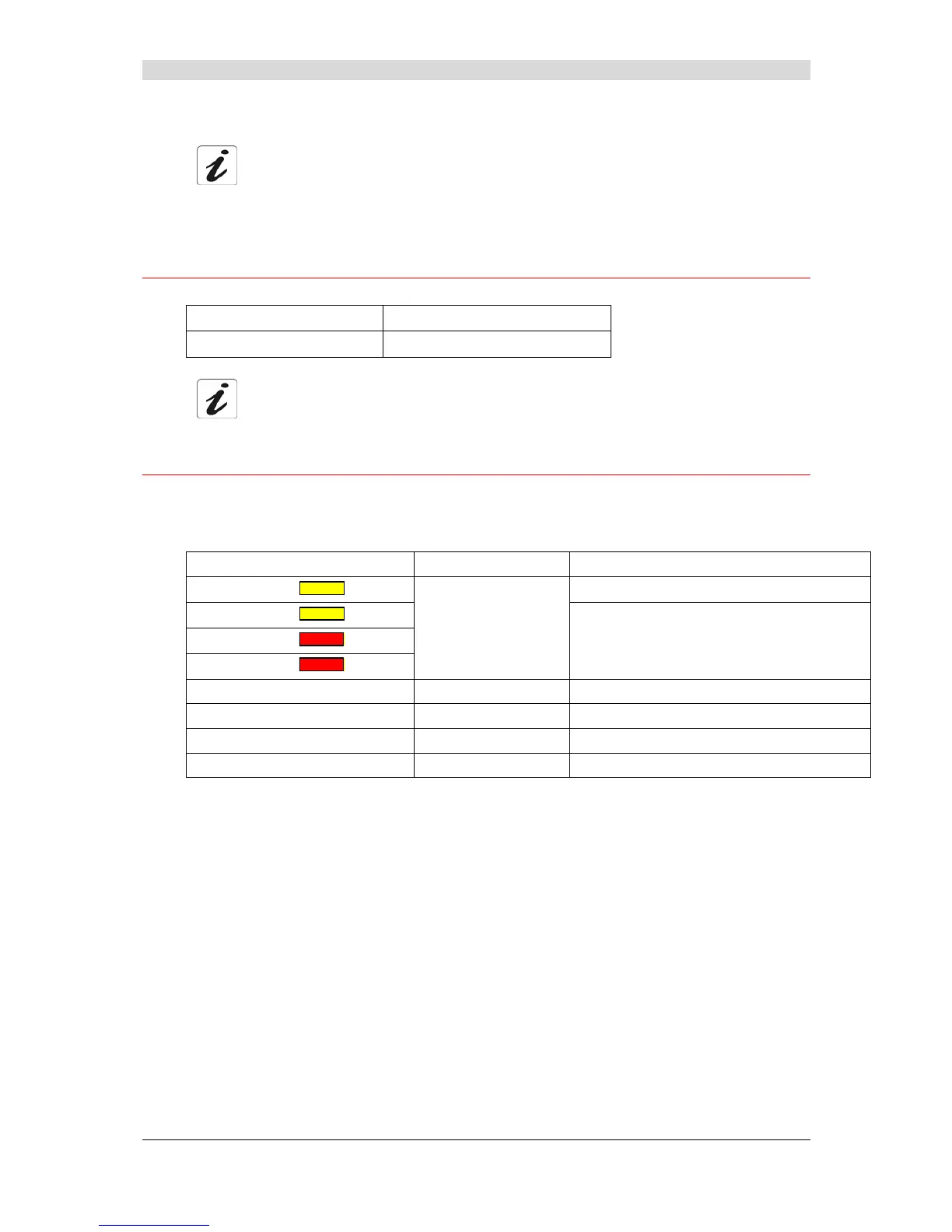
LAN characteristics Value State
ETH1 IP address ( )
192.168.1.1/24 Internet and HTTP configurator access (bridged)
ETH2 IP address ( )
ETH3 IP address ( )
ETH4 IP address ( )
USB IP address
192.168.1.1:631 Access to a LAN printer
BROADCAST, ARP, MULTICAST _ Activated
Router _ The LAN traffic is routed to your ISP
NAT/PAT _ Activated



 To Next Page