Annex A - Troubleshooting
F@st™ 2804v2 Reference Manual - 253329475-A
Page A-4 Sagemcom document. Reproduction and disclosure prohibited
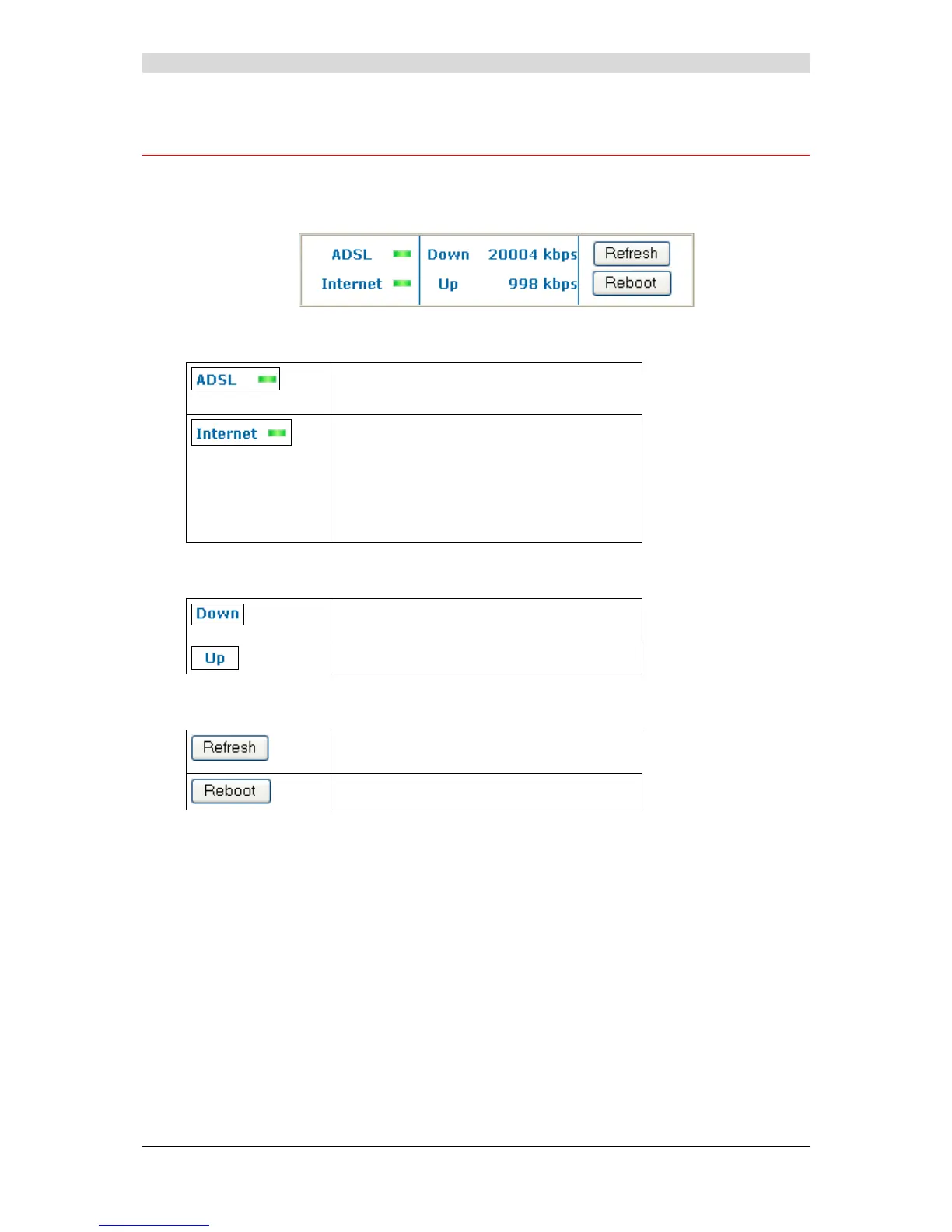
A.3 Supervising your router
The supervision box is permanently displayed in a frame at the top right of each window of the
configurator.
LEDs
Green : Synchronised ADSL line.
Red : ADSL line not connected.
Green : Public IP address (WAN)
distributed to the router.
Yellow : Synchronised ADSL line.
Red : Public IP address (WAN) not
distributed to the router, or ADSL
line not connected.
Transmission rate
Displays the nominal down line transmission
rate
Displays the nominal up line transmission rate
Buttons
Allows data displayed on the screen to be
refreshed.
Allows your router to be started.



 To Next Page