5 - Information / Configuration
F@st™ 2804v2 Reference Manual - 253329475-A
Page 5-134 Sagemcom document. Reproduction and disclosure prohibited
5.11.1.3 Restore Default
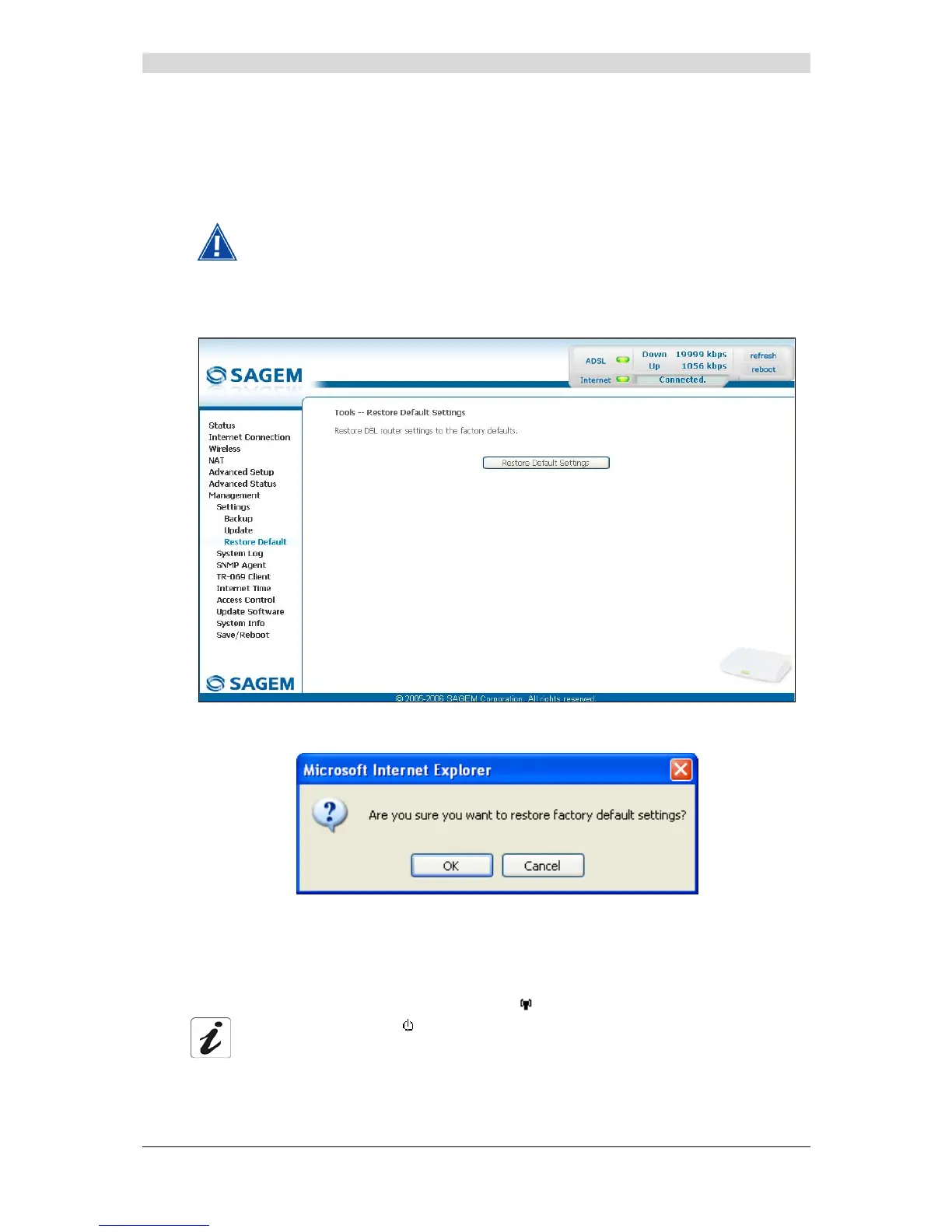
Object: This menu is used to return to factory configuration.
The existing configuration is completely overwritten.
• Select the Restore Default sub menu in the Settings menu of the Management section to
display the following screen:
• click on the Restore Default Settings button and the following screen appears:
• Click on the OK button if you really want to return to the factory configuration.
A few moments after, the screen of the "Internet Connection" menu appears. Refer to paragraph
5.6.
All the LEDs go off except for the green "
" LED (WLAN) (if the wired network is
activated);
the green " " LED (PWR) then all the LEDs and the process for
returning to the factory configuration starts. It lasts for around 2 minutes.



 To Next Page