5 - Information / Configuration
F@st™ 2804v2 Reference Manual - 253329475-A
Sagemcom document. Reproduction and disclosure prohibited Page 5-85
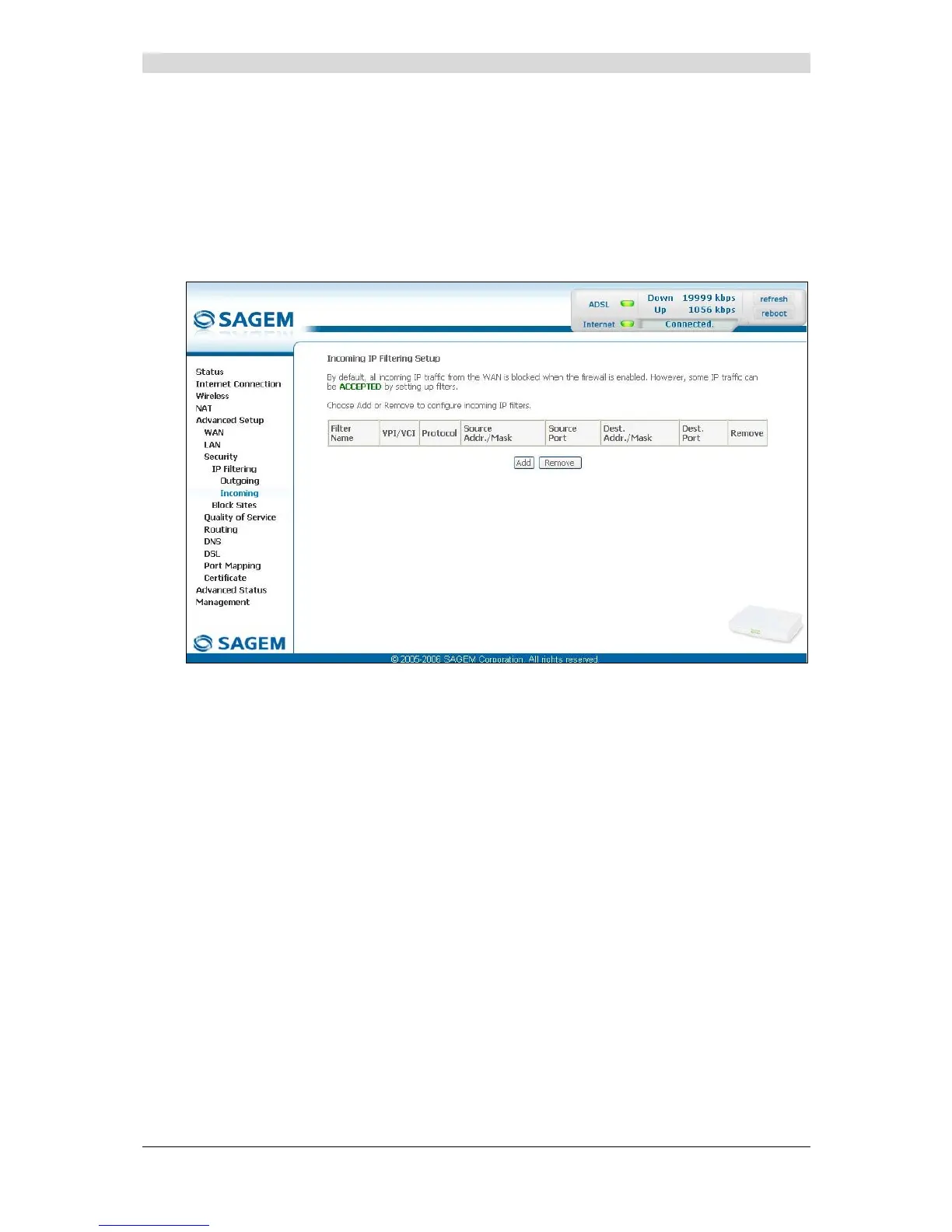
5.9.3.1.2 Incoming
Object: This menu is used to create incoming IP filters to refuse data from the WAN to the
LAN and list the existing incoming IP filters.
By default, all the incoming data is refused when the Firewall is activated.
• Select the Incoming sub-menu in the Security menu in the Advanced Setup section to
display the following screen:



 To Next Page