4 - Configuration of network parameters
F@st™ 2804v2 Reference Manual - 253329475-A
Sagemcom document. Reproduction and disclosure prohibited Page 4-5
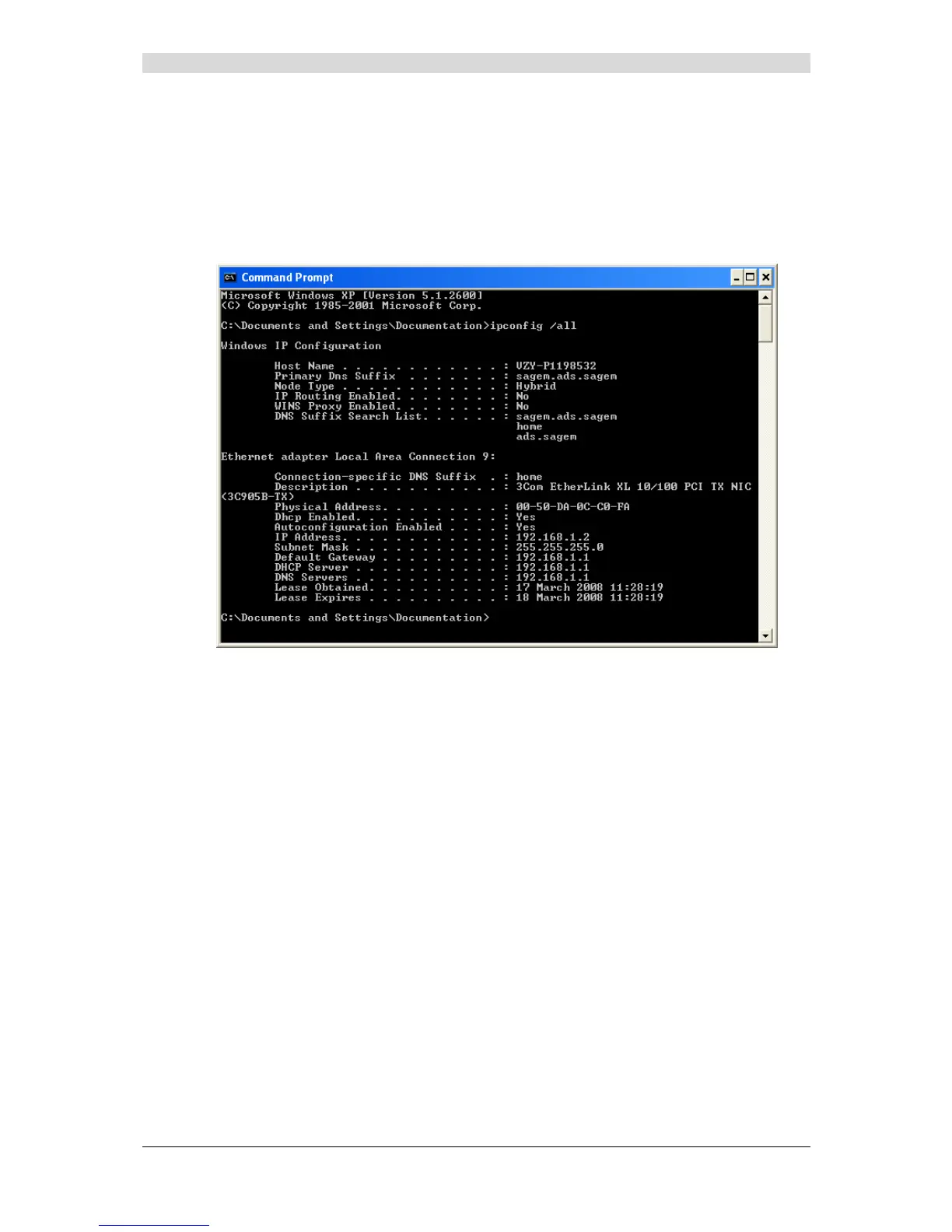
3) Data of the DHCP client
To obtain this data:
In Windows XP, 2000 and Me
¾ Click the Start button, select Execute, enter cmd and then click OK; the command prompt
screen appears. Enter ipconfig /all (or ipconfig/all) then confirm by pressing Enter.



 To Next Page