5 - Information / Configuration
F@st™ 2804v2 Reference Manual - 253329475-A
Page 5-34 Sagemcom document. Reproduction and disclosure prohibited
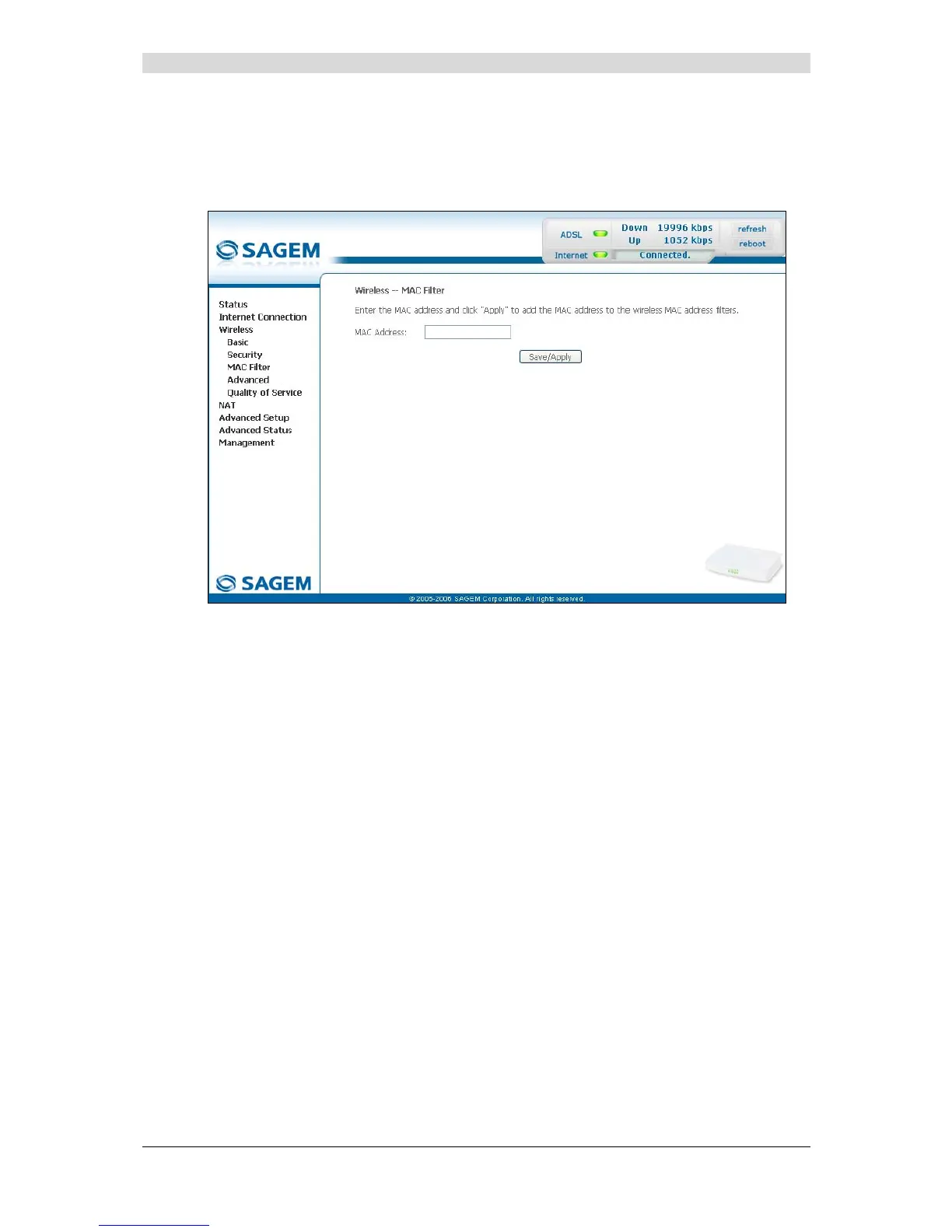
Add
• Click on the Add button to add a MAC address to be filtered (address of a computer
authorised to connect to a wireless network).
Note: The MAC address can be added automatically at the time of the Wi-Fi installation, by
a short push on button “REG”.
After approximately 5 minutes, the new address fits in the list and F@st
TM
2604
passes in mode of filtering (MAC Restrict Mode) “Allow” to authorize only the
computers whose MAC address appears in the list to be connected to your router.



 To Next Page