Via Pro User’s Guide – TouchChat 20
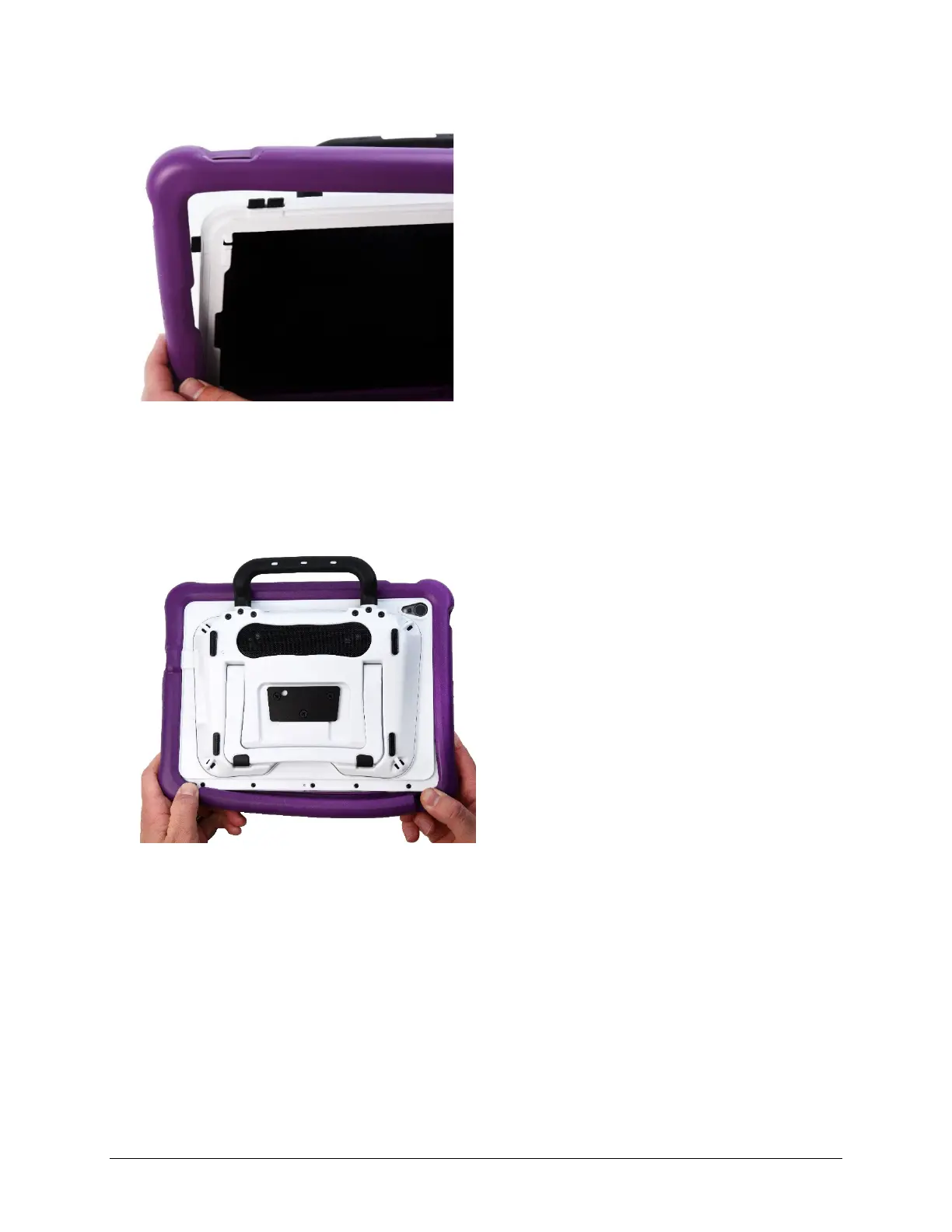
To attach the new wrap:
1. Align the holes in the top corner of the wrap with the device power and volume buttons. Push the
corner of the wrap onto the device.
2. Pull the other top corner onto the device.
3. Pull one of the bottom corners of the wrap over the bottom corner of the device. You will need to
stretch the wrap to pull it into place.
4. Repeat step 3 for the other bottom corner.
5. Push the sides and bottom of the frame into place.
6. Make sure the top, bottom, and sides of the wrap fit tightly against the device.



 To Next Page