Via Pro User’s Guide – TouchChat 71
Hiding or Showing Multiple Buttons at Once
There are times that presenting all buttons at once might be intimidating, or in order to complete a task
a button might need to be hidden.
1. Tap Menu and tap Edit Page.
2. Tap Menu and tap Hide Mode.
3. Tap each button you want to hide or show.
4. Tap Menu and tap Normal Mode.
Hiding One Button
1. Tap Menu and tap Edit Page.
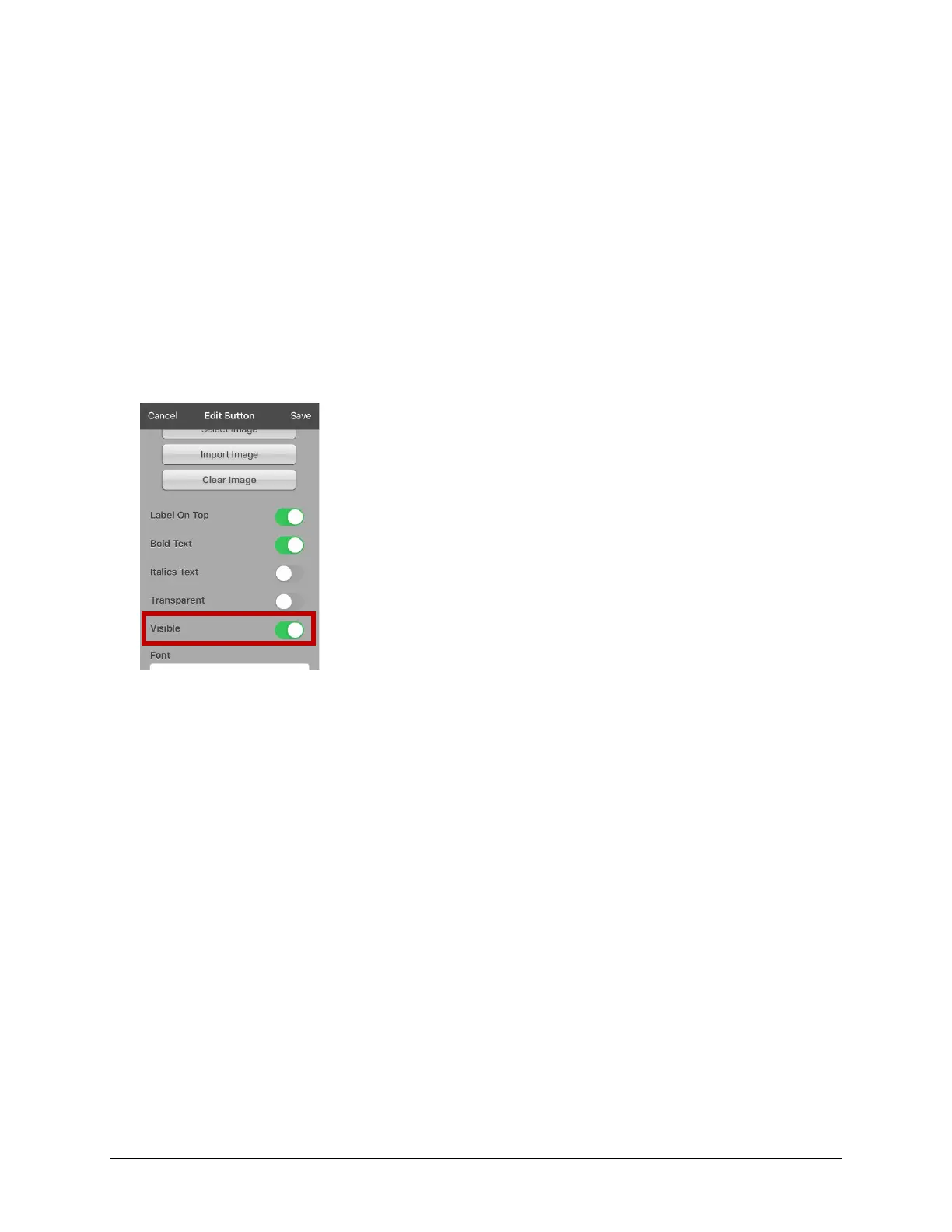
2. Tap the button you want to hide and tap Edit This Button.
3. Turn Visible off.
4. Tap Save and Done.



 To Next Page