Via Pro User’s Guide – TouchChat 68
Copying and Pasting a Button
You can copy and paste buttons to new locations. If you modify a copy of a button, you will edit only the
copy.
1. Tap Menu and tap Edit Page.
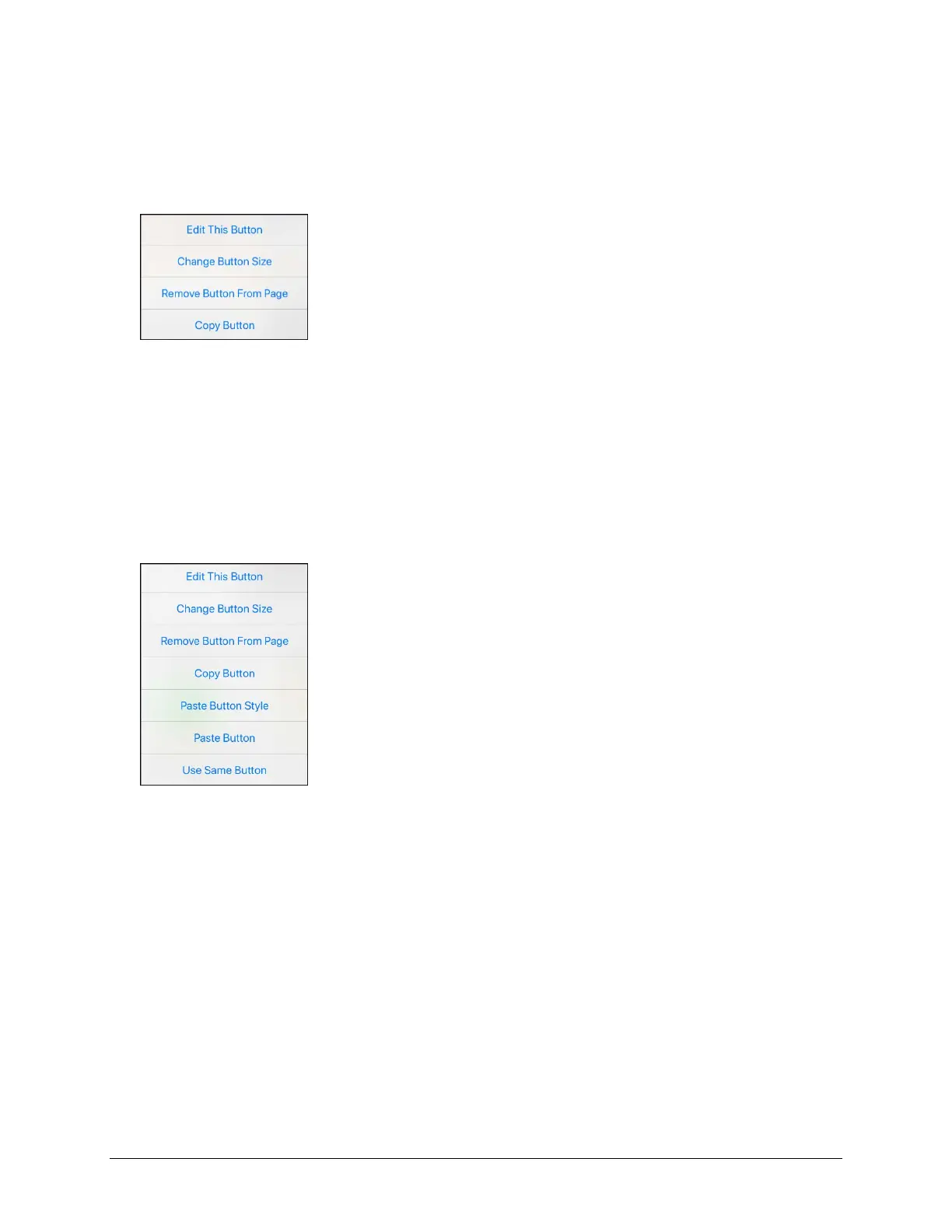
2. Tap the button you would like to copy. The Edit Button menu opens.
3. Tap Copy Button.
4. Tap Done.
5. Go to the page where you want to add the copied button.
6. Tap Menu and tap Edit Page.
7. Tap the location you wish to copy the button to. The Edit Button menu opens with additional
options.
8. Tap Paste Button. The button you copied will appear in that location.
9. Tap Done.



 To Next Page