Via Pro User’s Guide – TouchChat 70
Moving a Button
1. Tap Menu and tap Edit Page.
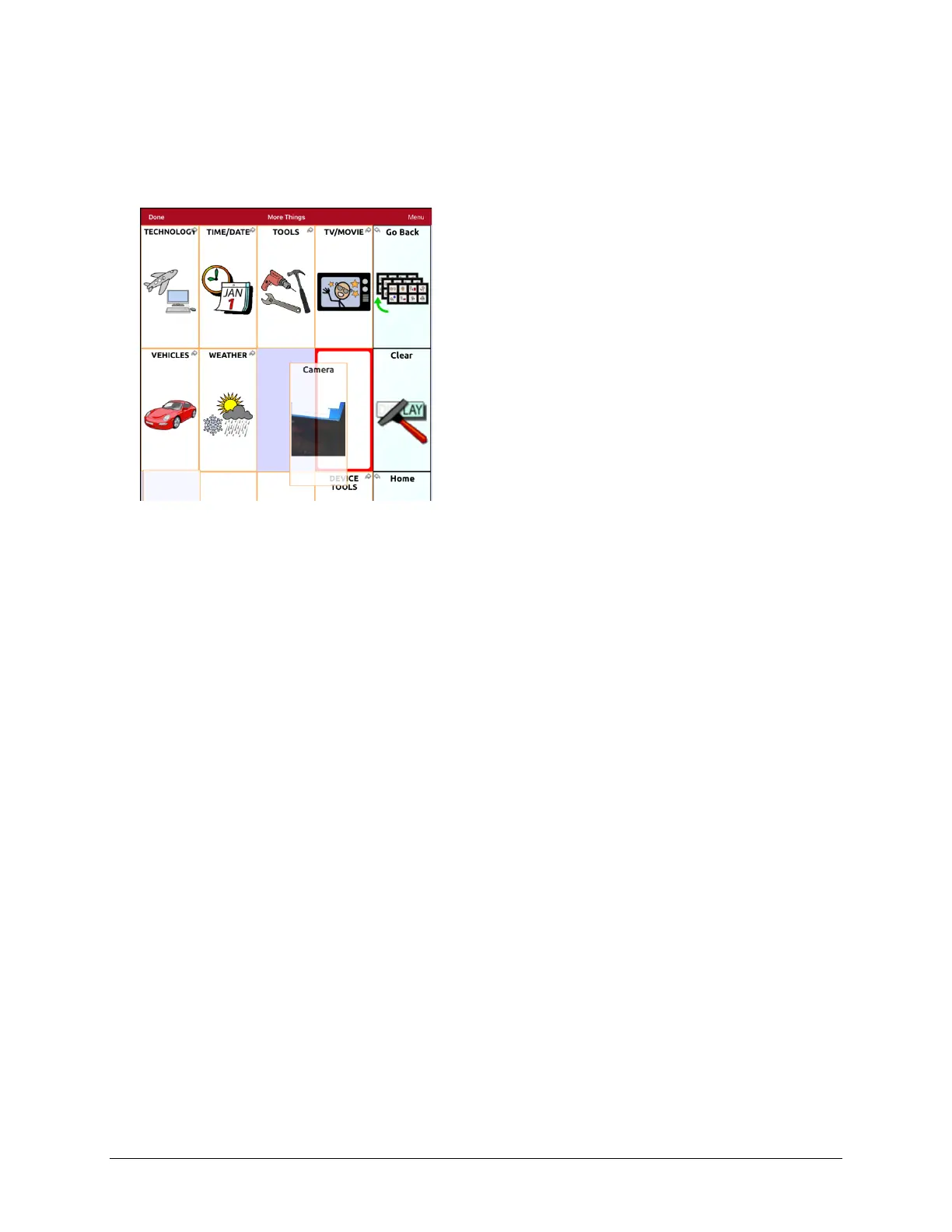
2. Touch the button you want to move and drag it to another location.
Note: When you start to drag the button, the original location will be outlined in red. As you move
into the new location, the red outline will move to that location.
3. Upon release, the button will move to the new location. If there is already a button in the new
location, it will move to the old location. The buttons will exchange locations.



 To Next Page