Via Pro User’s Guide – TouchChat 41
Deleting a Voice Language
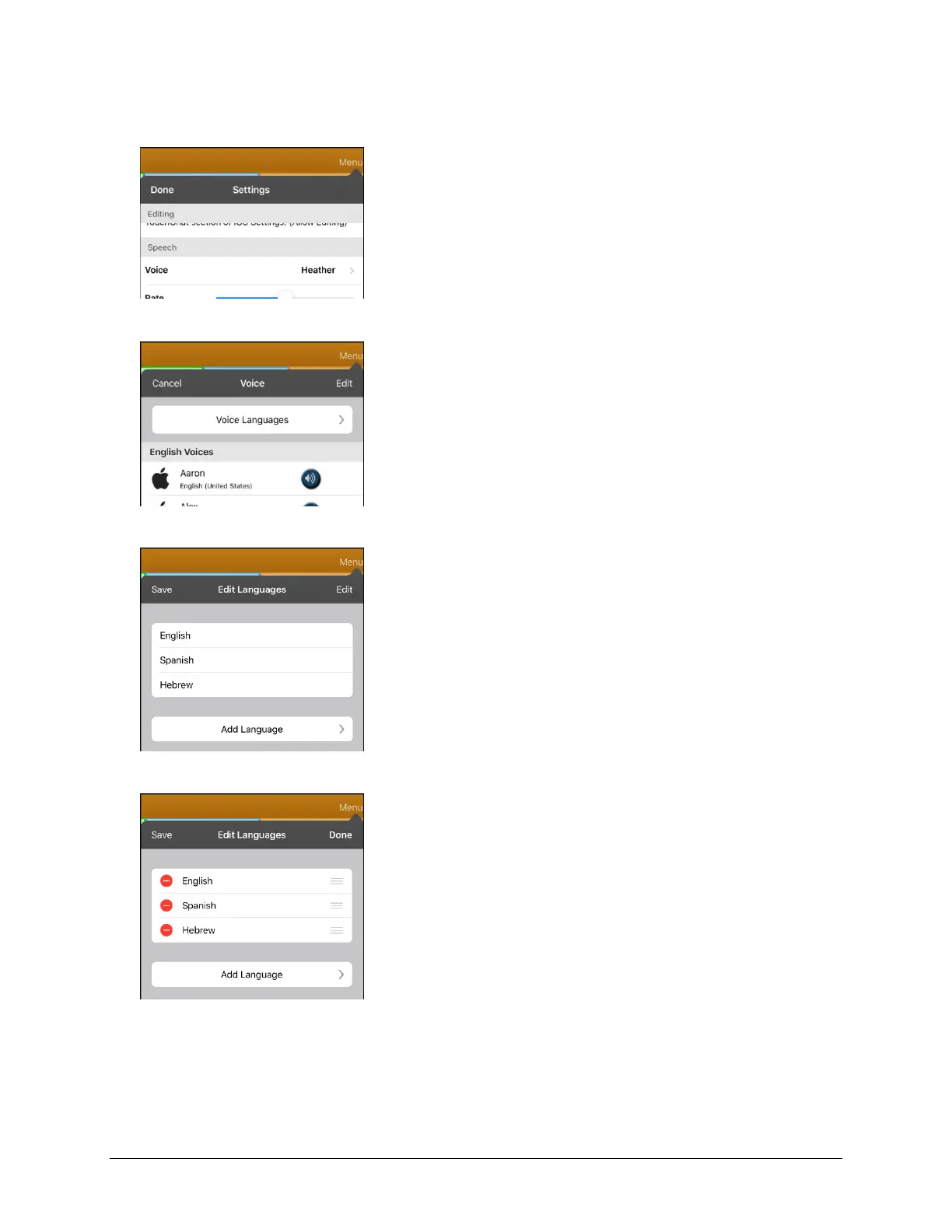
1. Choose Menu > Settings.
2. Scroll down to the Speech section. The Voice setting displays the voice currently selected.
3. Tap Voice to open a list of available voices. Voices are listed by language.
4. Tap Voice Languages. The current voice languages are listed. For example:
5. Tap Edit. Delete icons appear in front of each voice language.



 To Next Page