Via Pro User’s Guide – TouchChat 52
Working with Buttons
What a button speaks, how it appears, what icon is shown, what action the button performs, and the
location of a button can be modified. All button modifications are performed in Edit Mode.
Editing a Button: The Basic Procedure
1. Go to the page you want to edit and tap Menu.
2. Tap Edit Page. The page is now in Edit Mode.
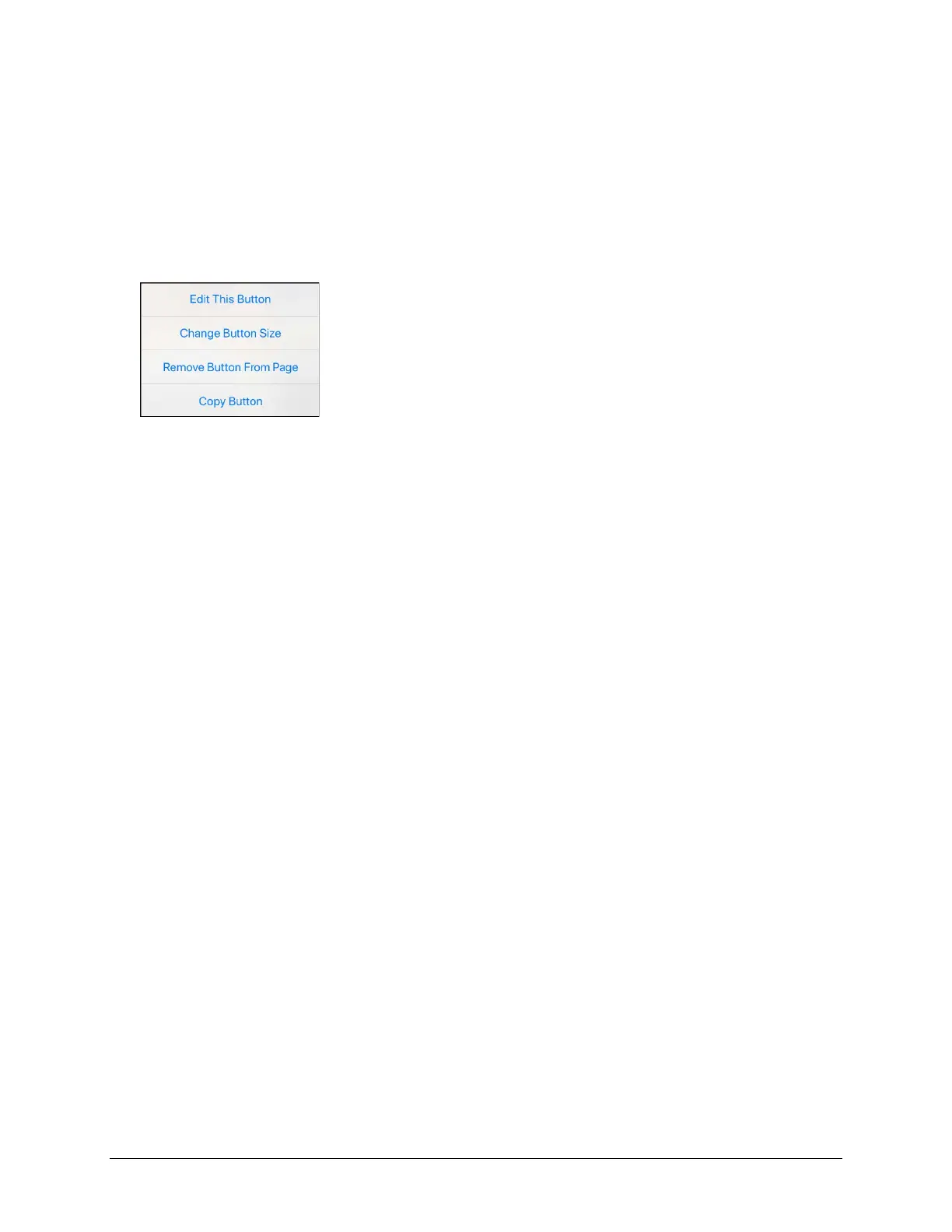
3. Tap the button you want to modify. The Edit Button menu opens.
4. Tap Edit This Button. A window opens that will allow you to modify the button.
5. Choose the options you want to use.
6. Tap Save.
7. Select Done in the top left corner of the page to exit Edit Mode.



 To Next Page