Via Pro User’s Guide – TouchChat 73
Adding Extra Space around Buttons
1. Select Menu > Settings.
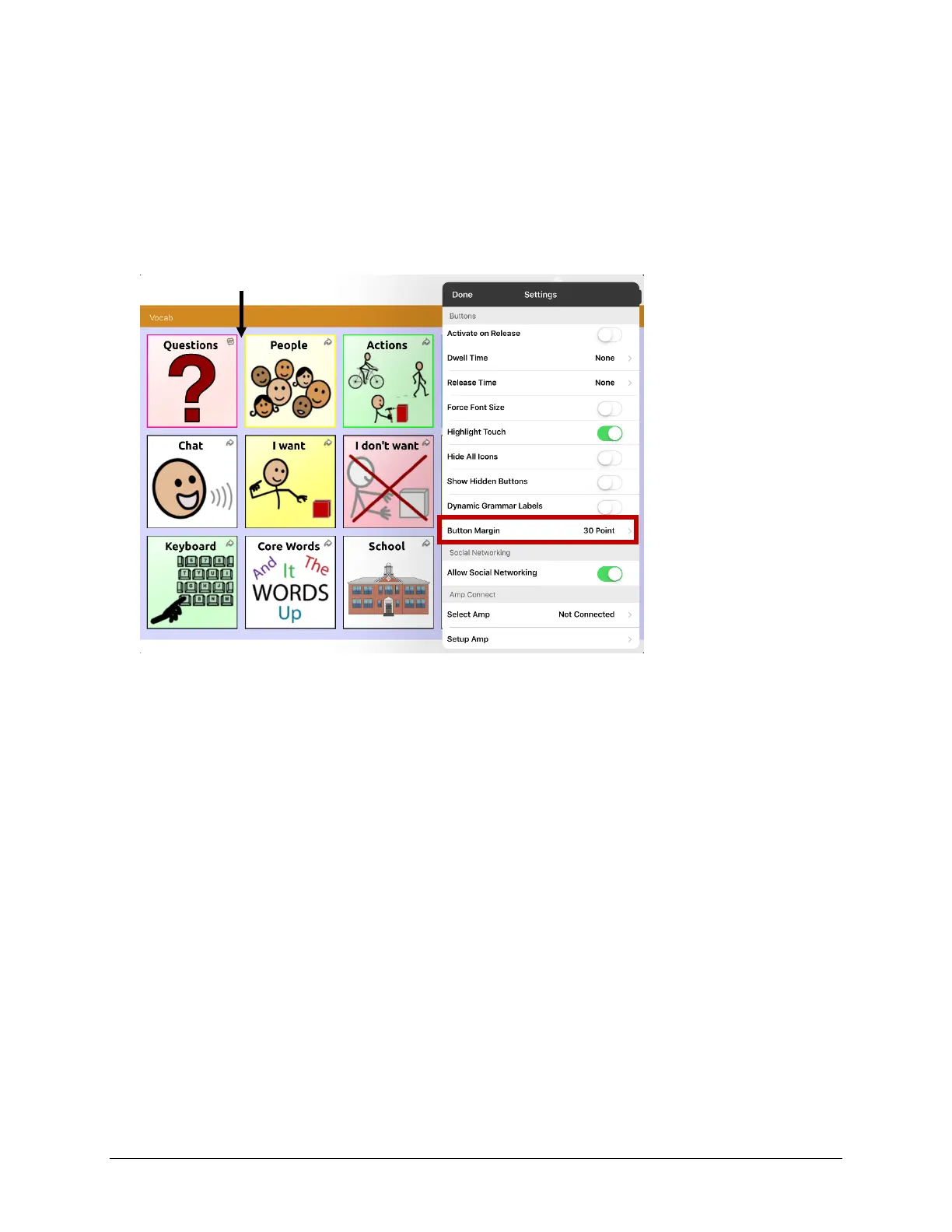
2. Scroll to the Buttons section.
3. Select Button Margin.
4. Select a margin size. The default size is None. To increase the margin, select an option between 1
Point and 100 Point.
5. When you make a selection, the space between buttons changes.
6. If you selected too much space or too little space make another selection.
7. When you are satisfied with the amount of space, select Done.
Space added between buttons



 To Next Page