Via Pro User’s Guide – TouchChat 60
Changing the Skin Tone of People on Buttons
Note: This feature applies to SymbolStix images only.
Use the Skin Tone feature to change the skin tone of people displayed on buttons.
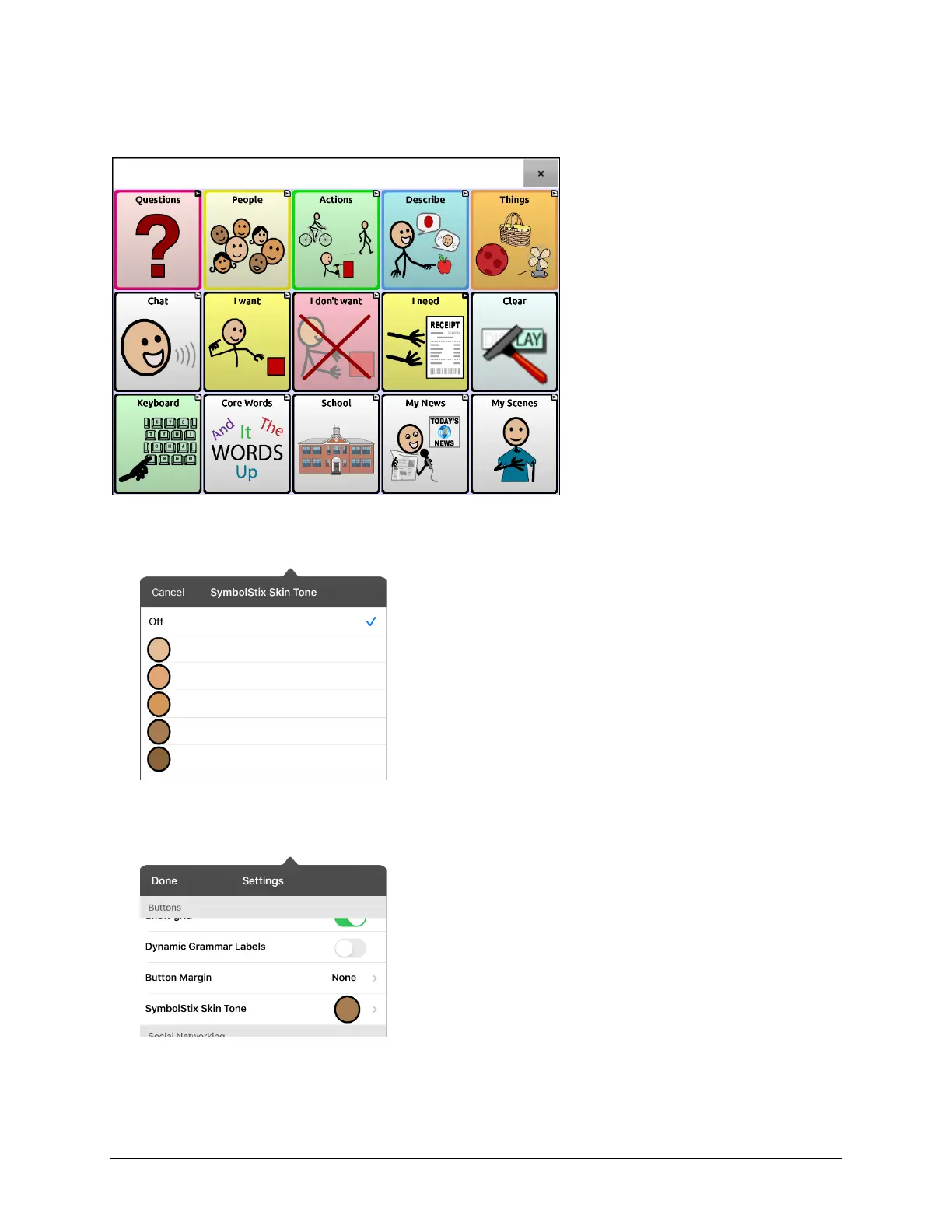
1. Choose Menu > Settings, scroll to the Buttons section, and select SymbolStix Skin Tone.
2. A choice of skin tones will be displayed. A checkmark indicates the current selection.
Note: When Off is selected, images of people show their default skin tone.
3. Select the skin tone you want. Your selection will appear after the “SymbolStix Skin Tone” setting.



 To Next Page