Via Pro User’s Guide – TouchChat 81
Creating a New Page from a Template
1. Tap Menu and tap Edit Page. The page is now in Edit Mode.
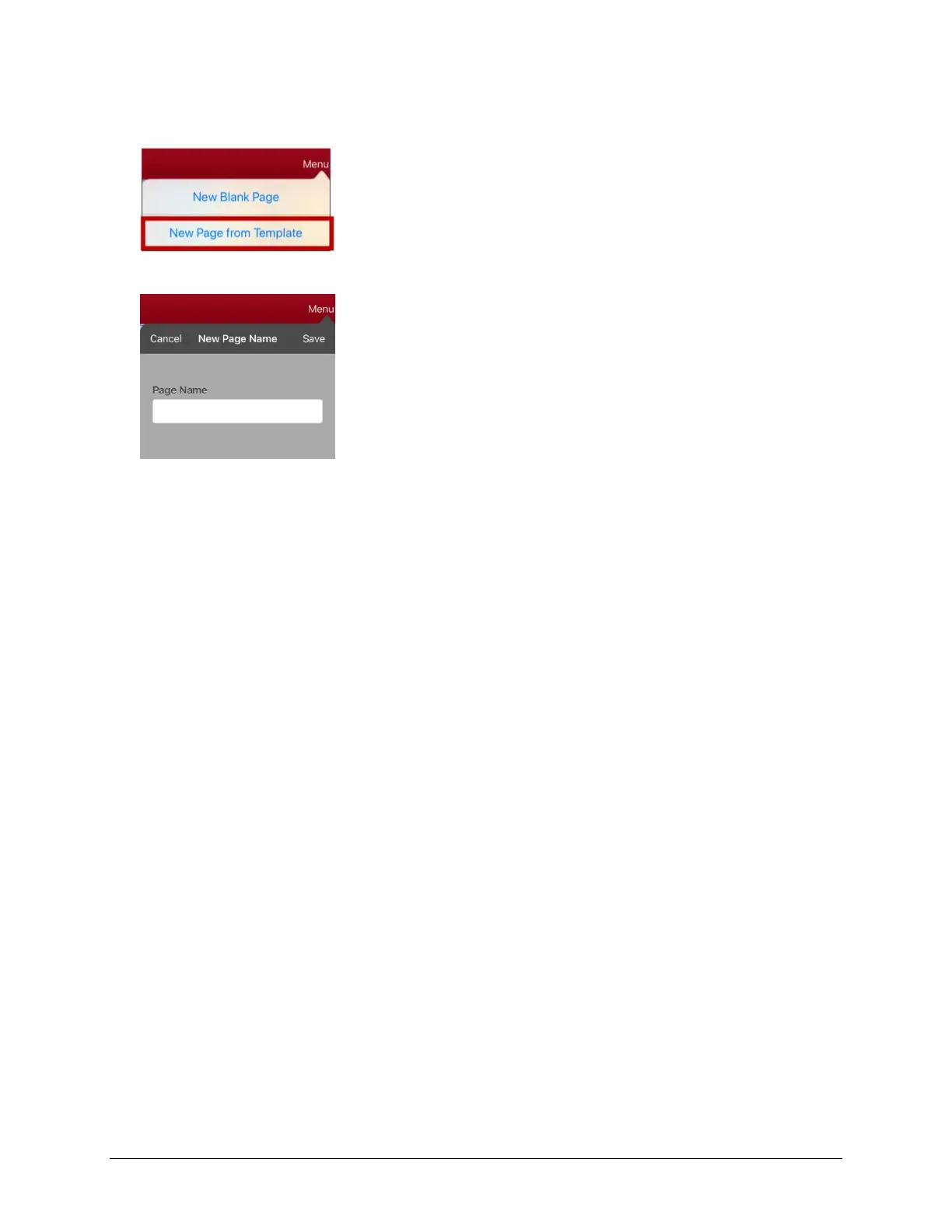
2. Tap Menu and tap Add New Page. A menu provides two options.
3. Select New Page from Template. The New Page Name window opens.
4. Tap the Page Name field, use the keyboard to enter a name for the new page, and tap Save.
5. The new page will be displayed with the buttons and formatting from the template and will display
the name you entered.
6. Edit the new page as needed.
7. When you finish, tap Done to exit Edit Mode.



 To Next Page