Via Pro User’s Guide – TouchChat 19
Changing the Colored Wrap
You can replace the wrap on your device with a wrap of a different color. This section applies to either
an Active wrap or a Classic wrap. The main difference is that only the Classic wrap includes slits along
the bottom for easier replacement.
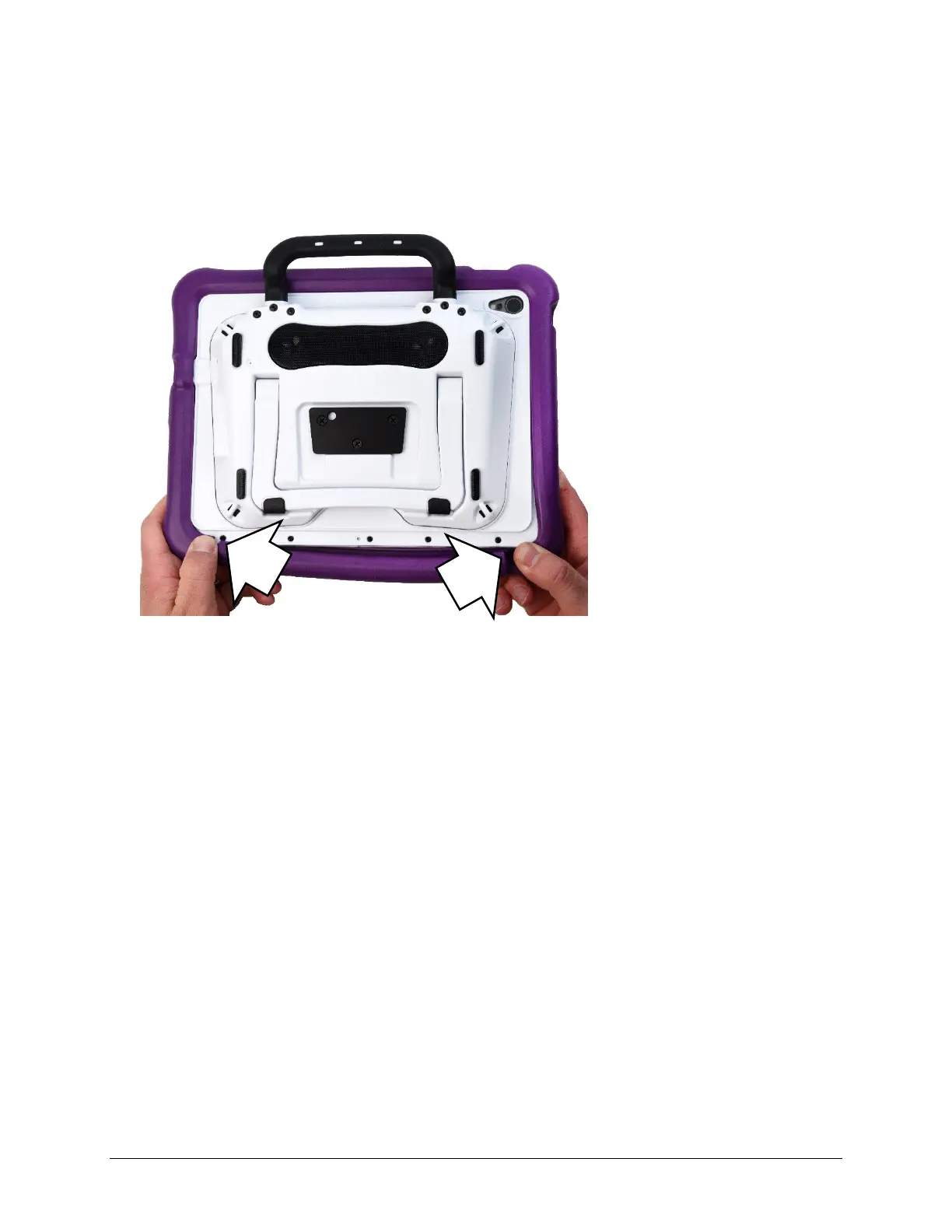
To remove the old wrap:
1. Pull one or both of the bottom corners of the old wrap off the device.
Hint: The bottom of the Active wrap includes two slits that make it easier to remove the wrap from
the device.
2. Pull the sides of the wrap away from the device.
3. Pull the top of the wrap off the device.



 To Next Page